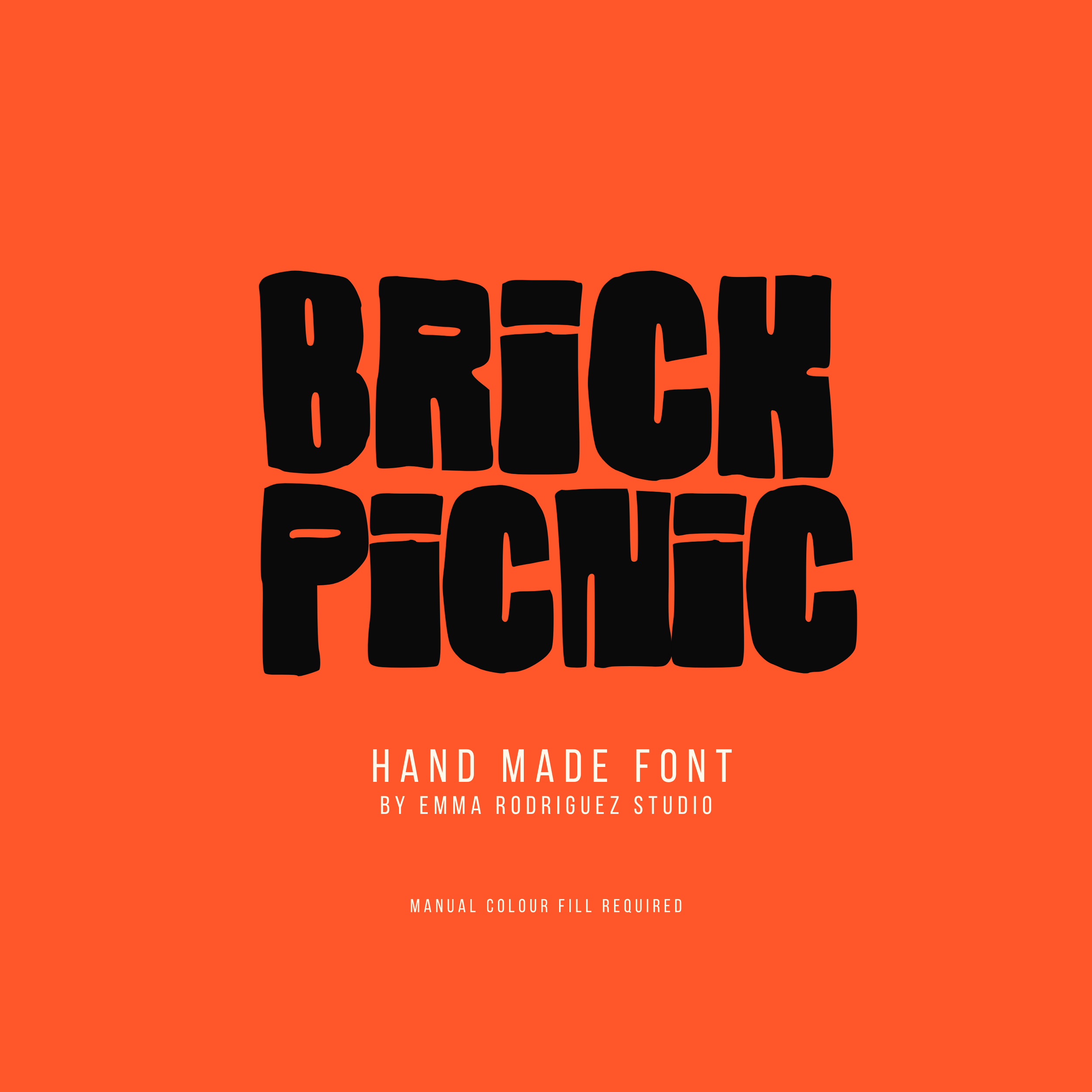
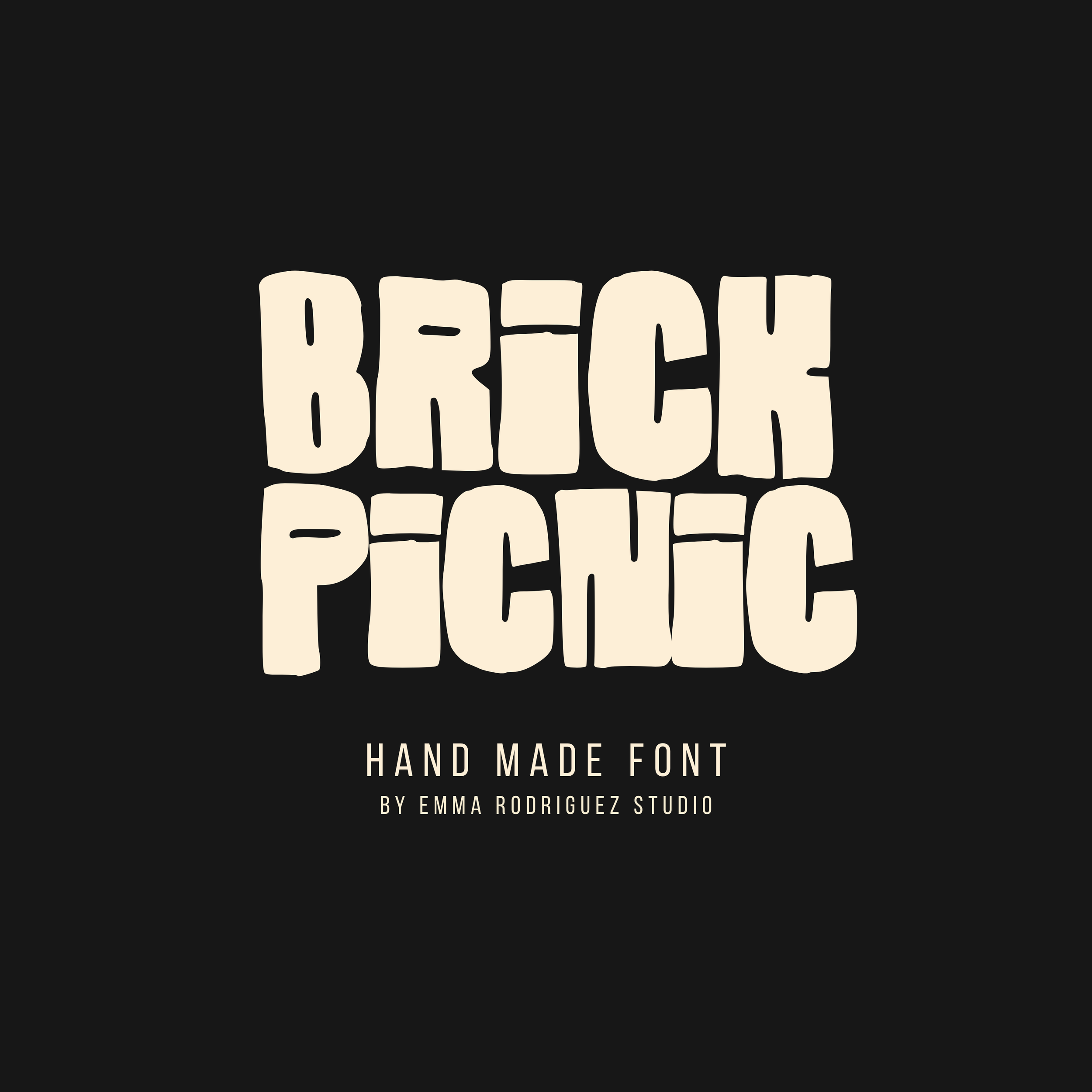
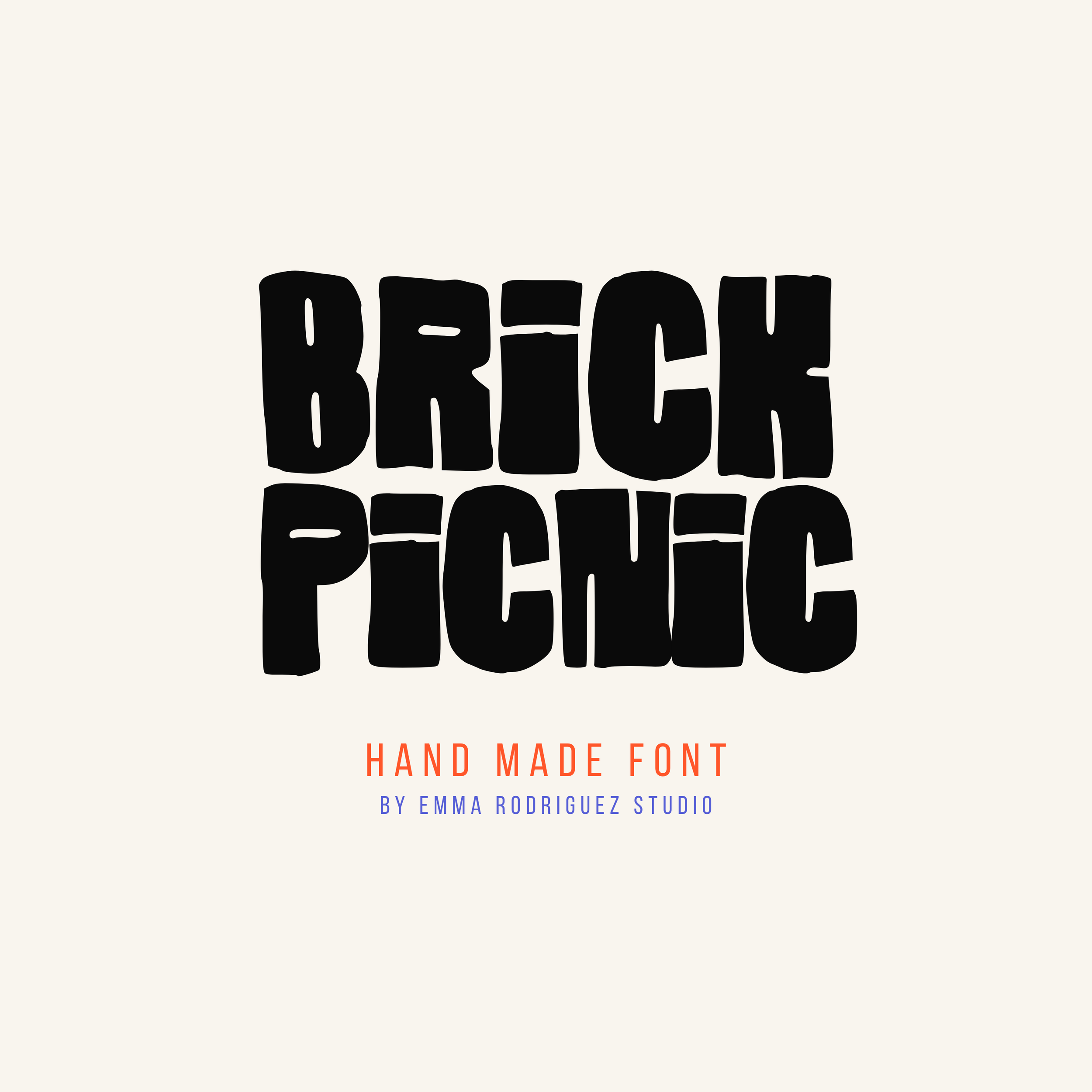
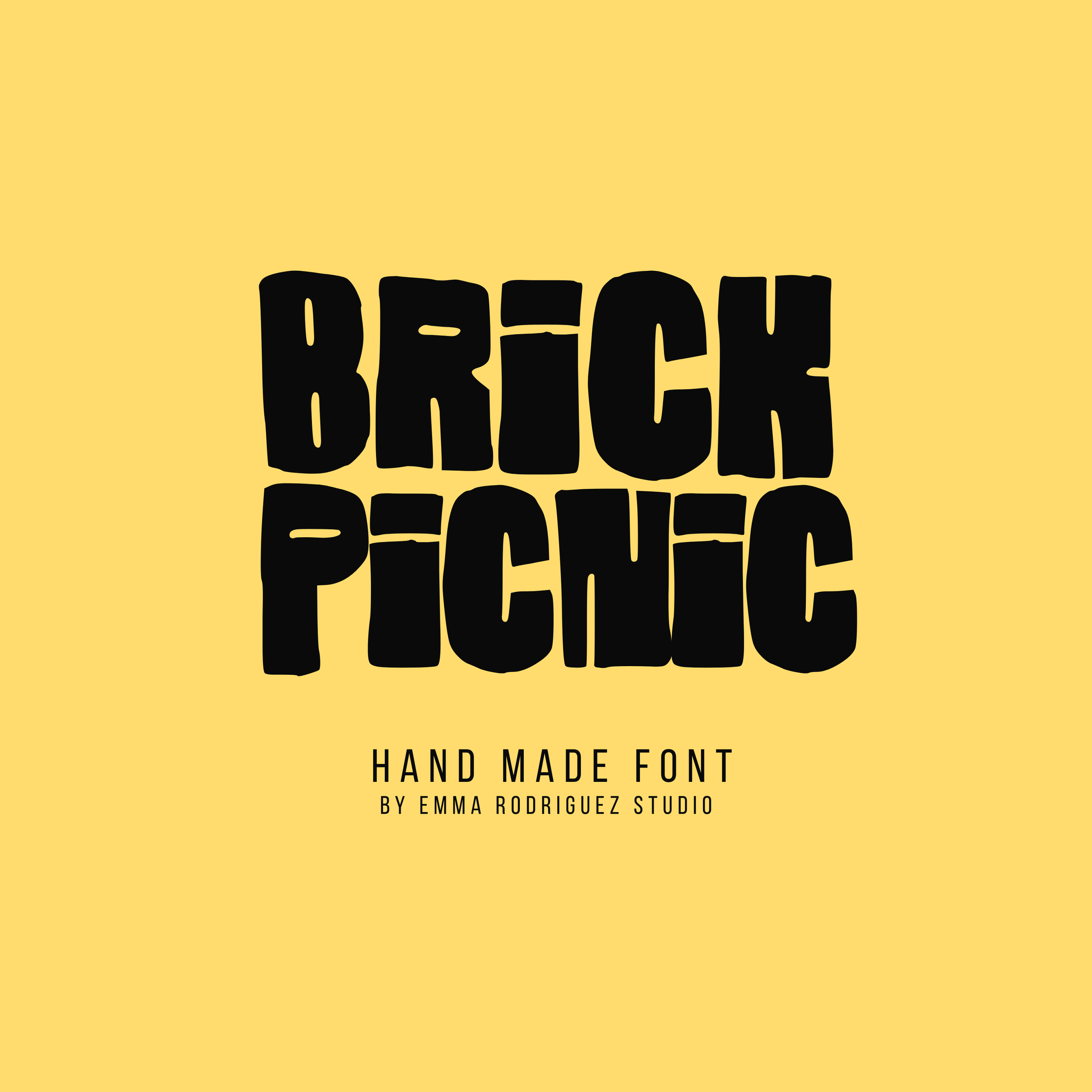
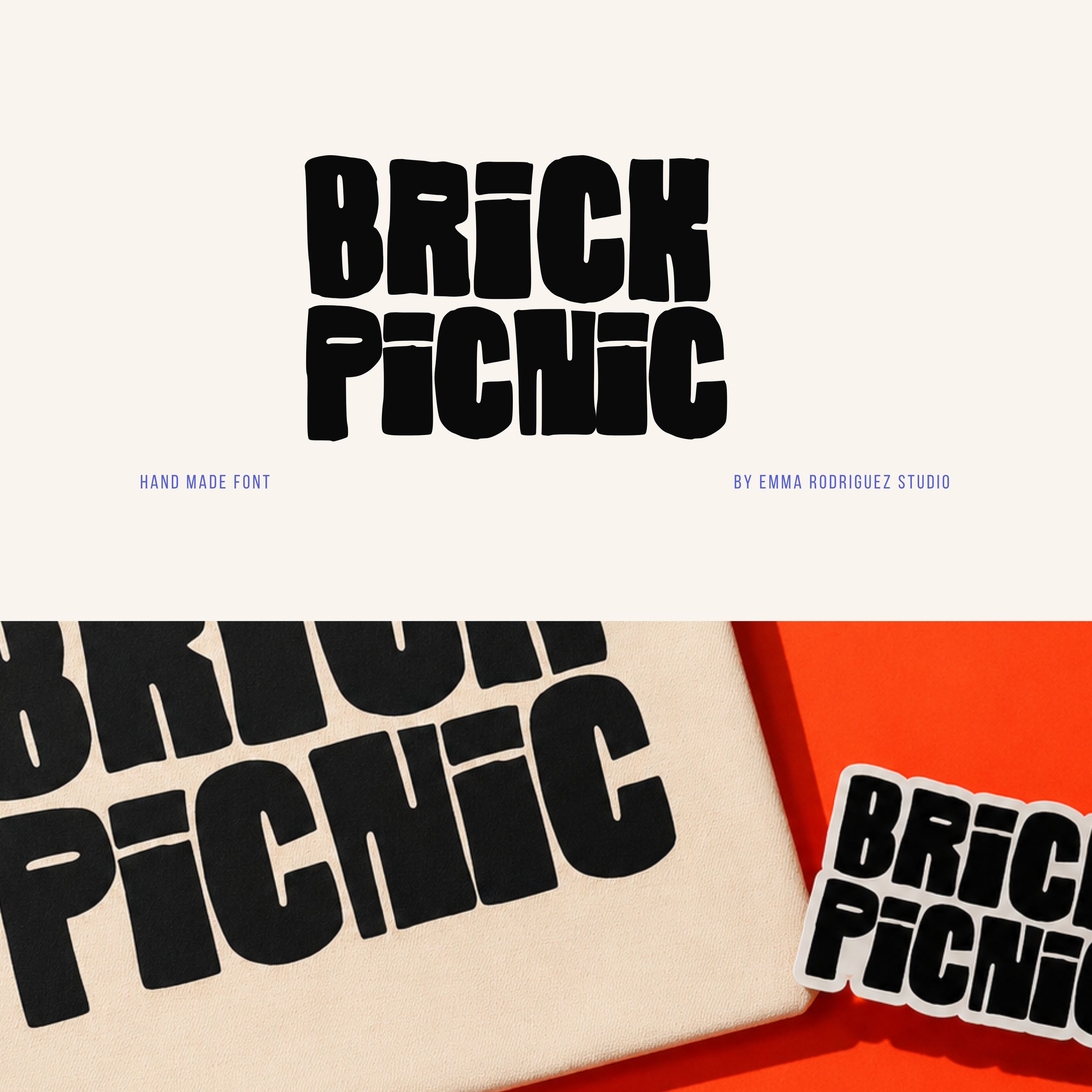
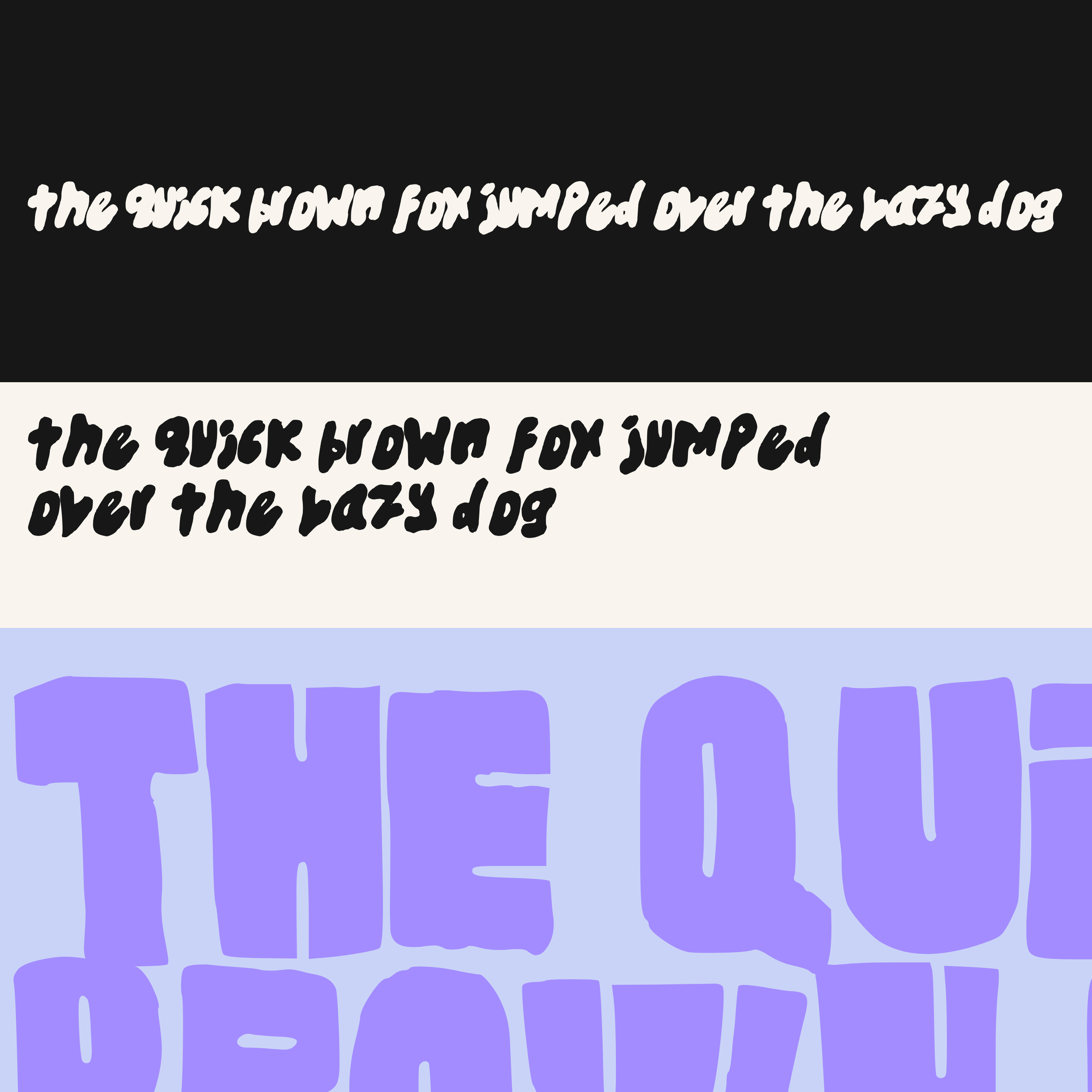
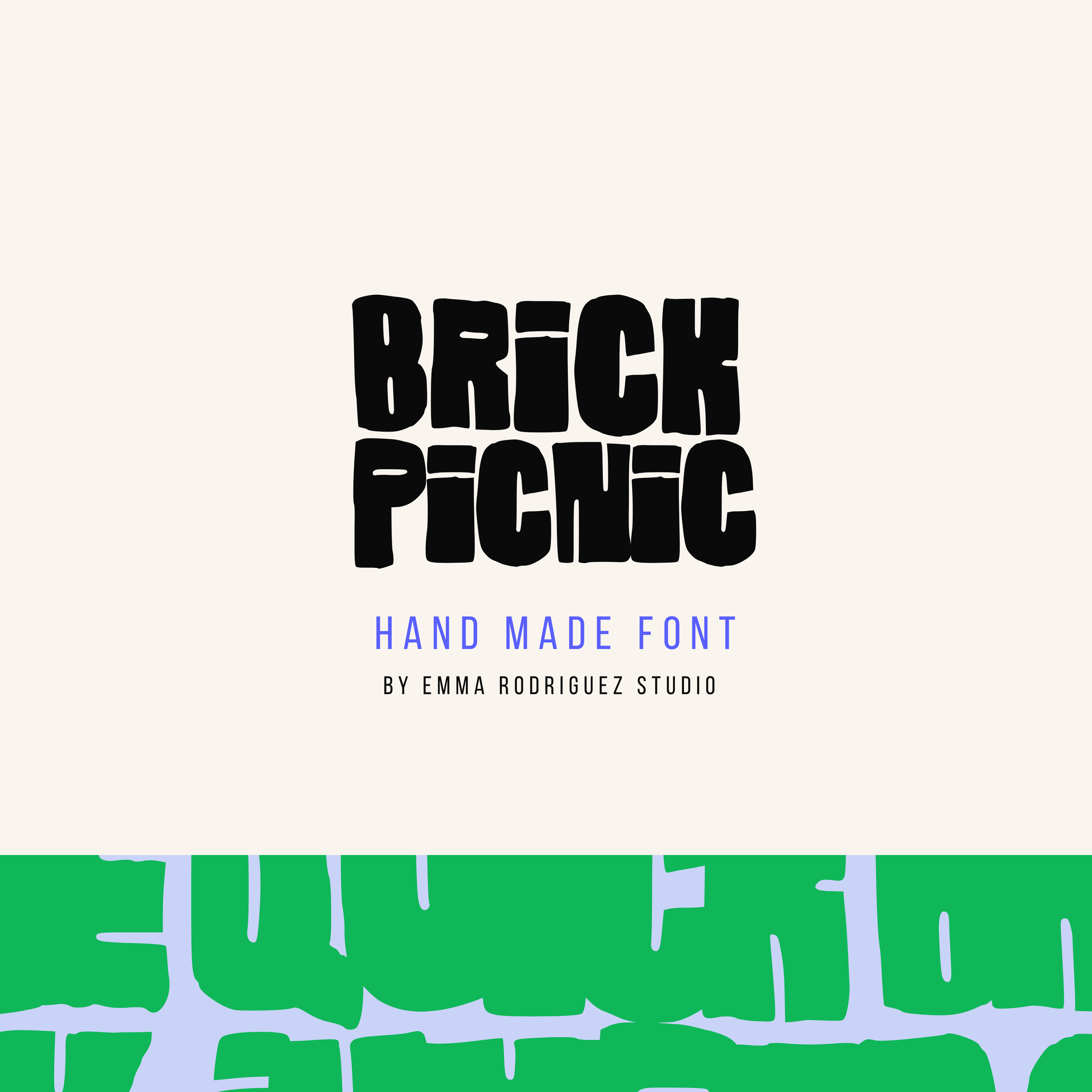
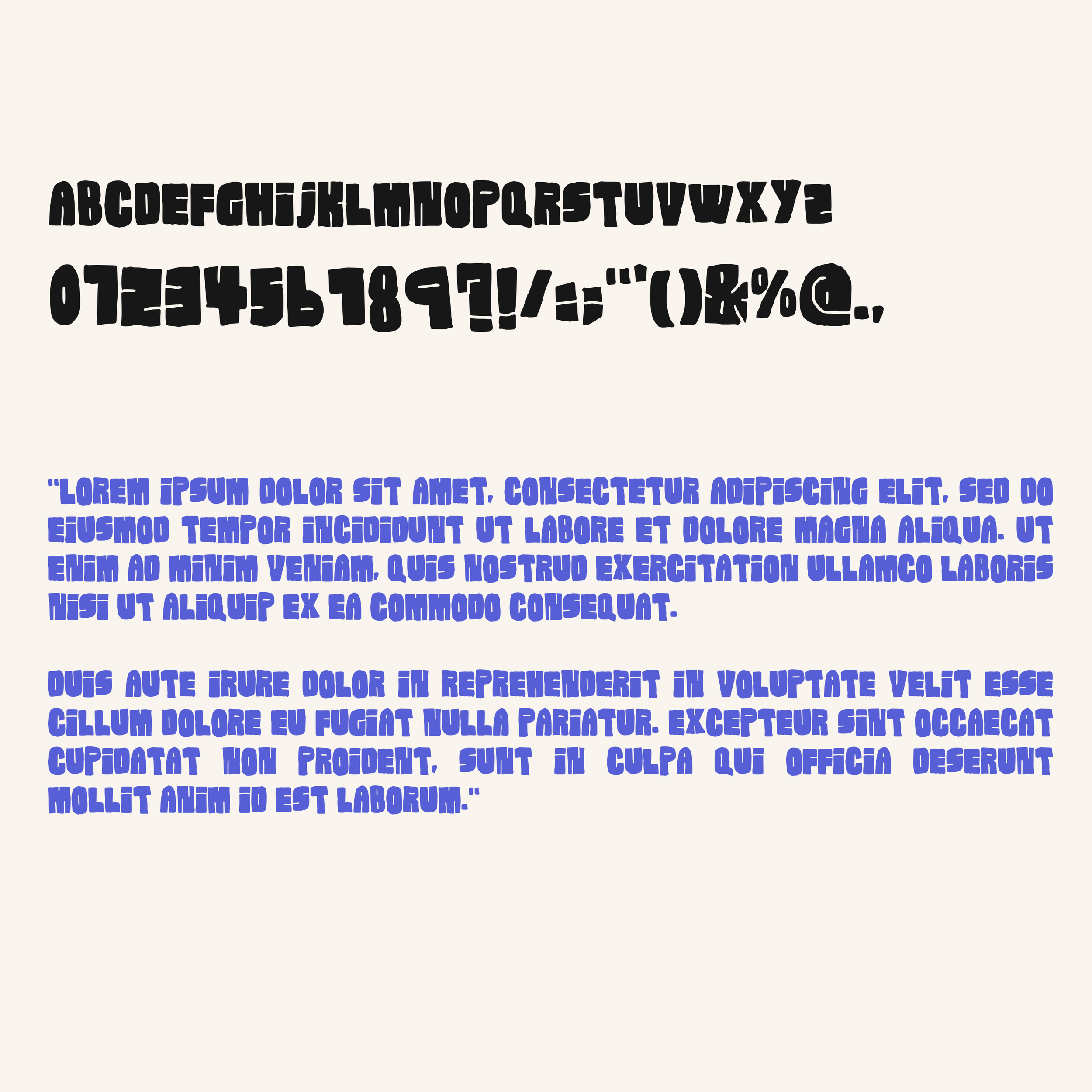
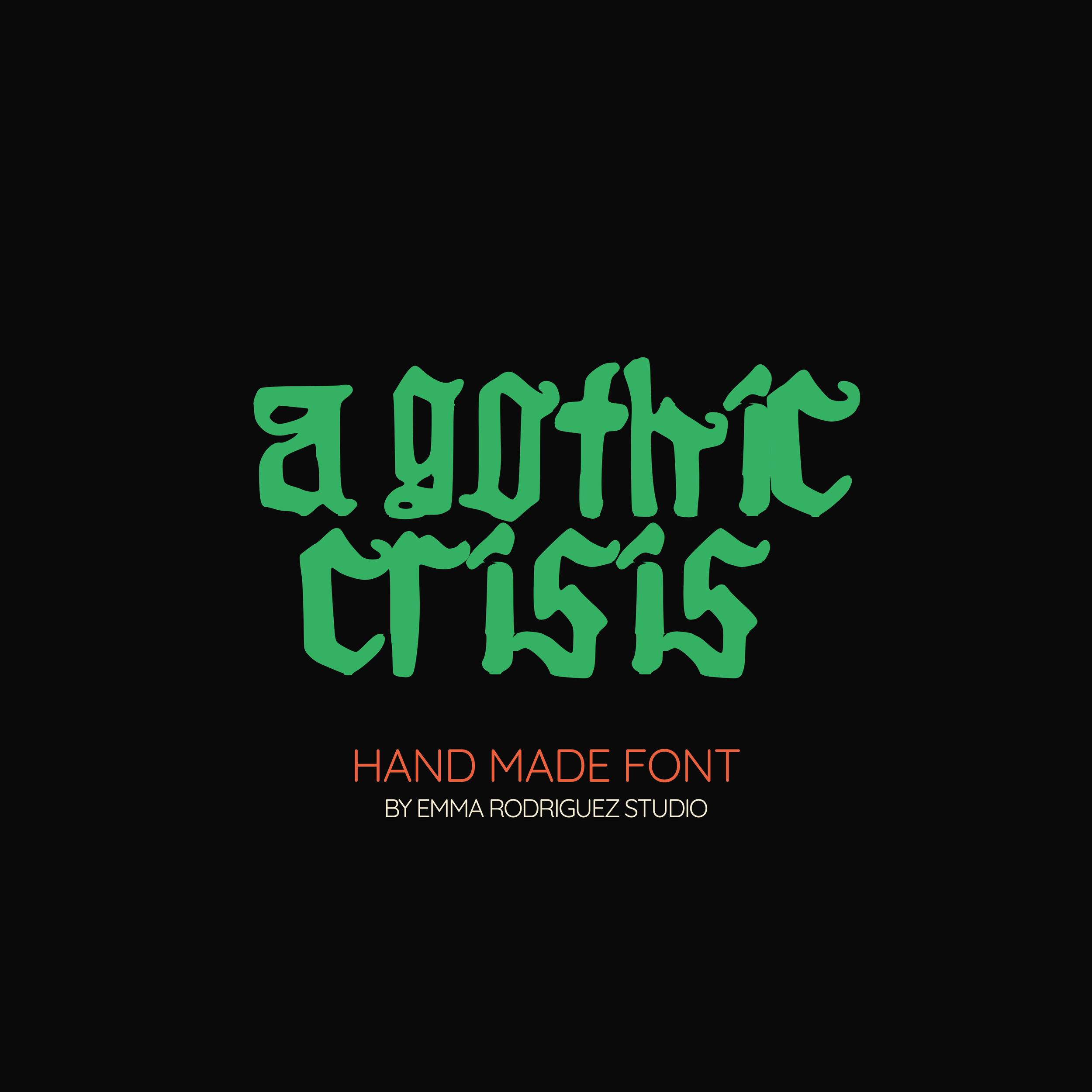
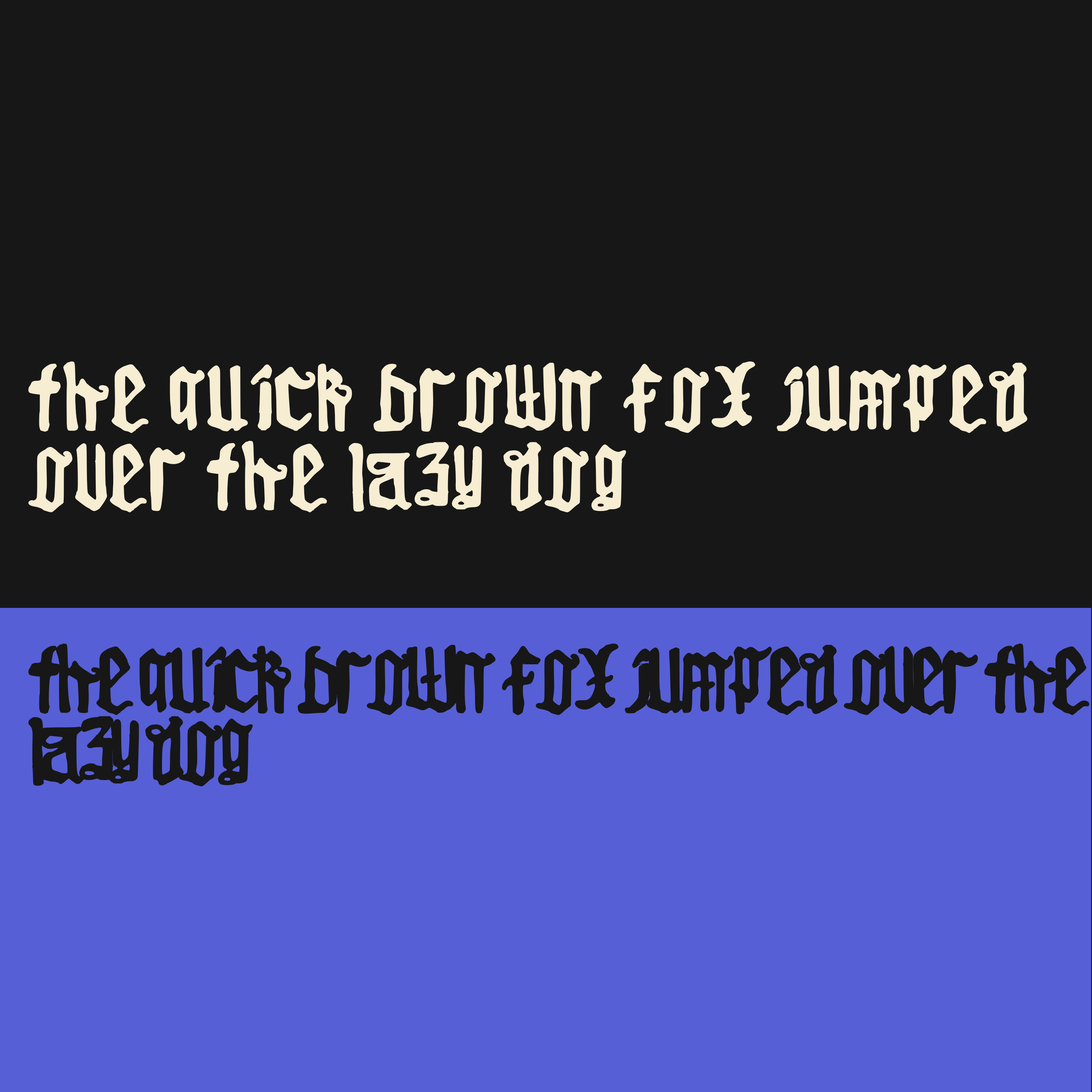
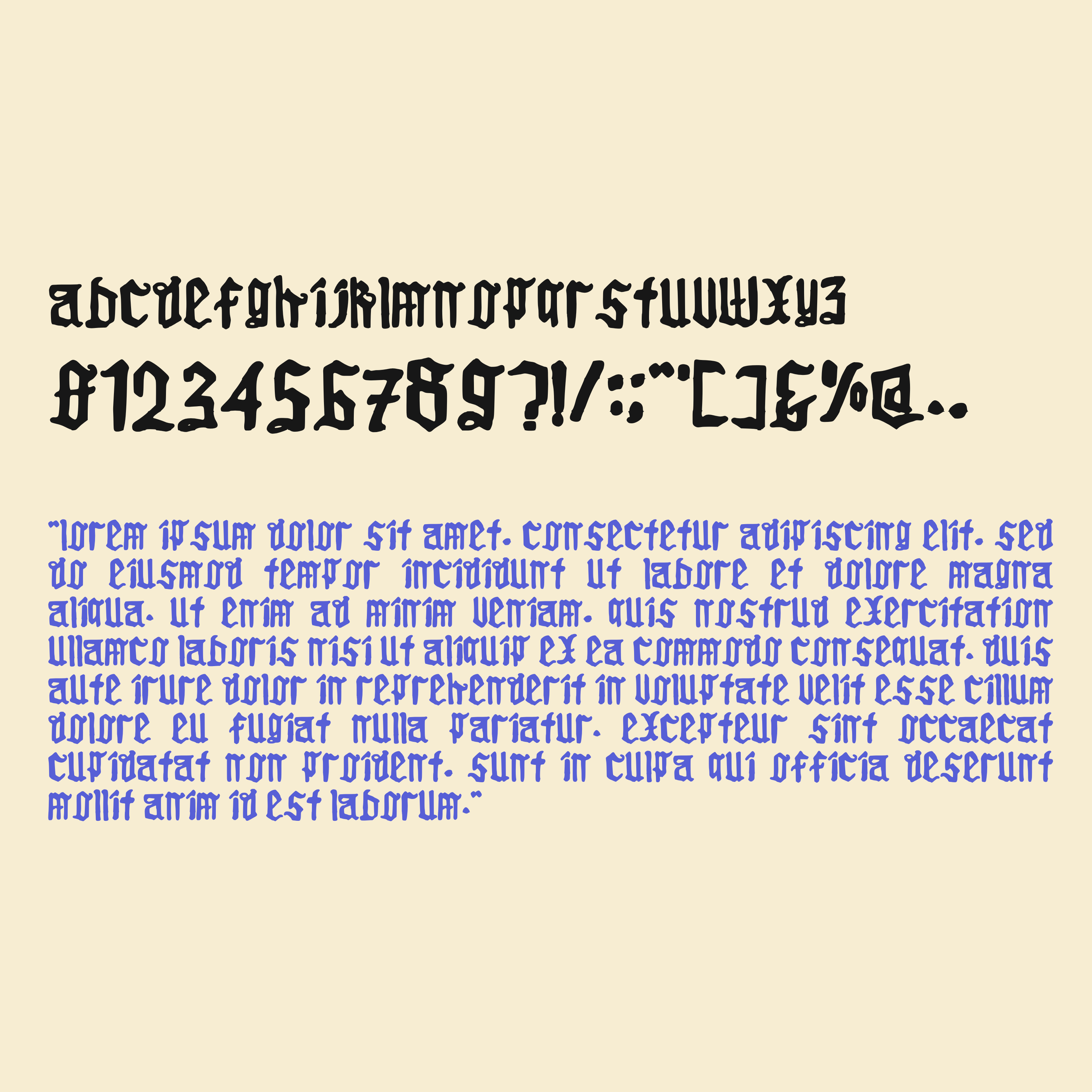
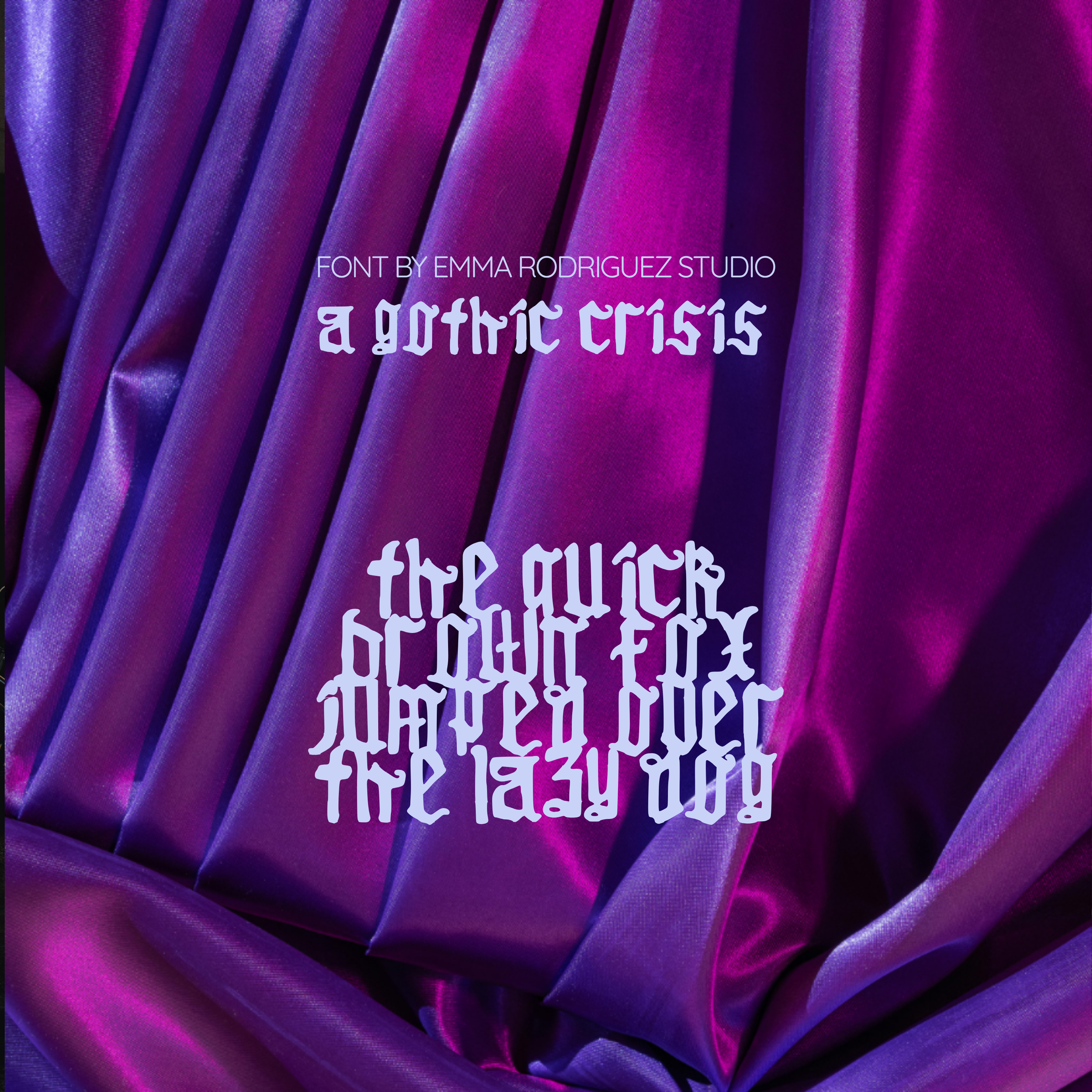
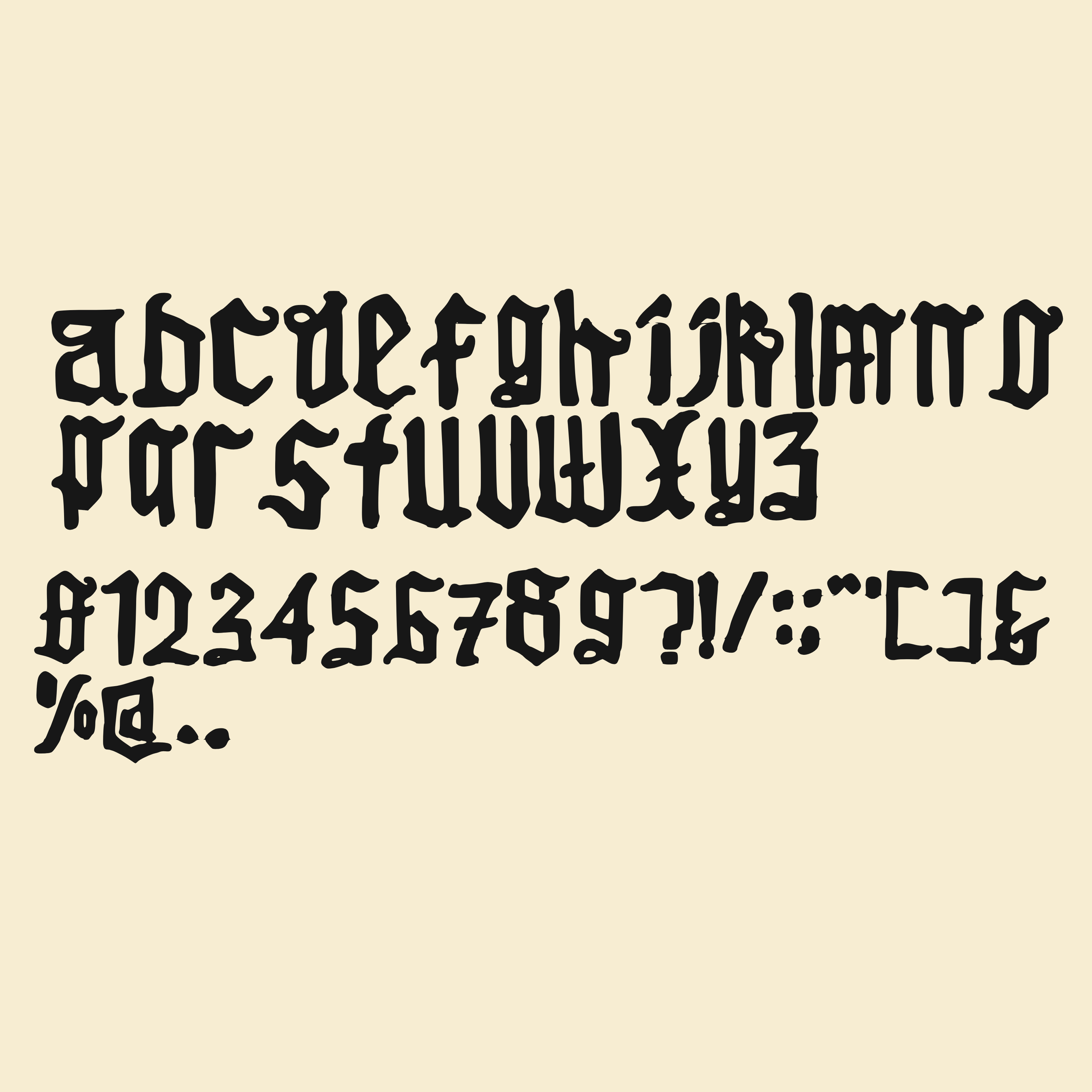
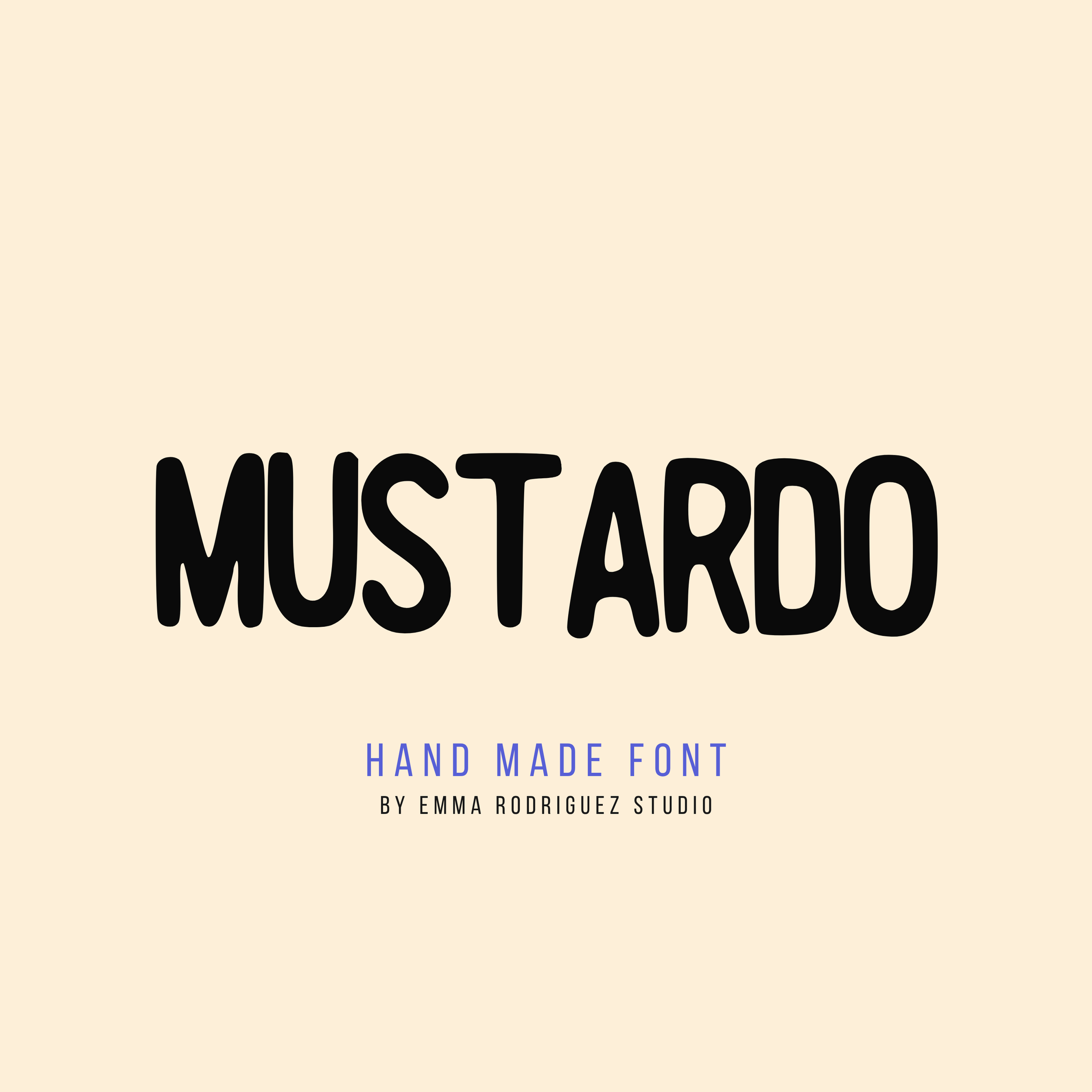
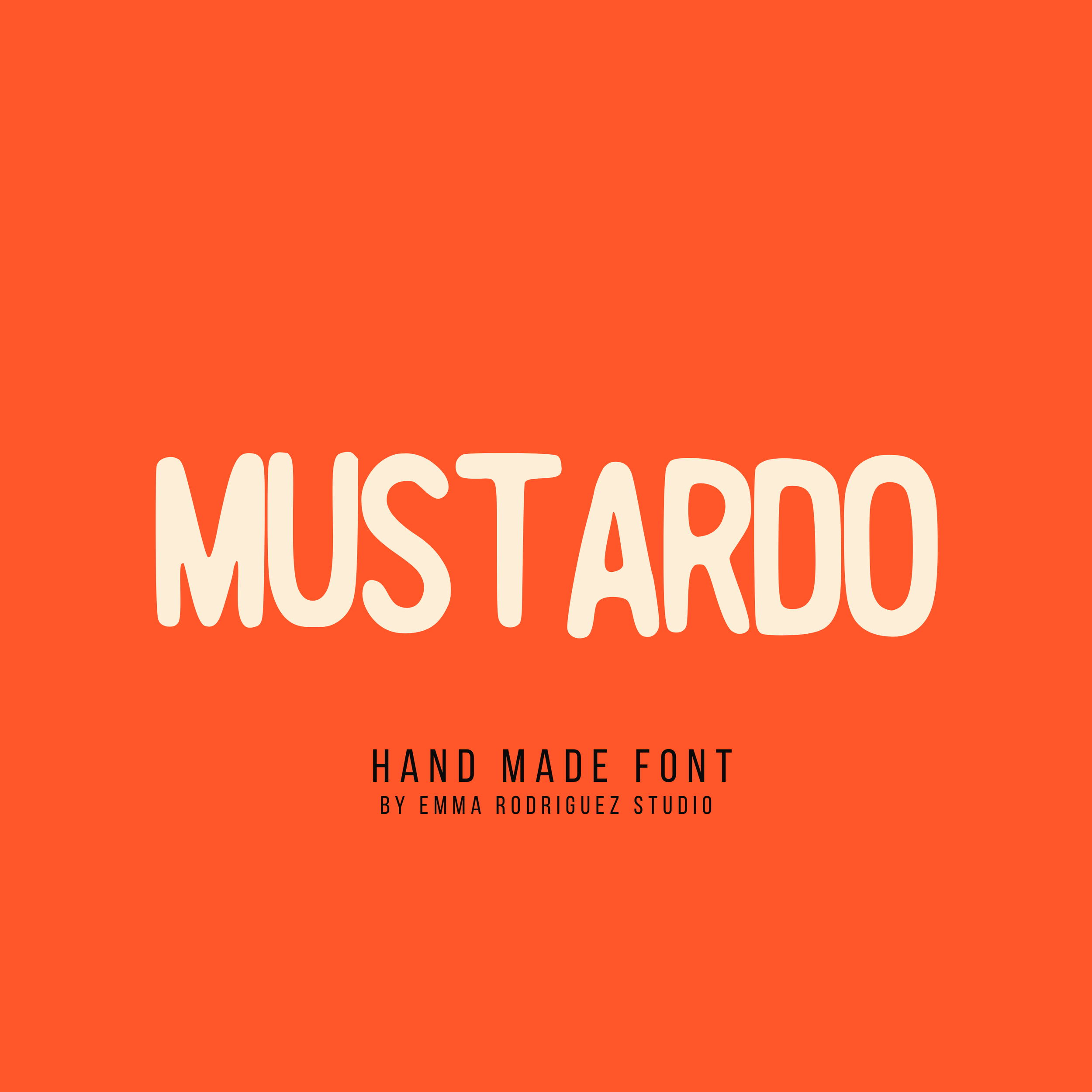
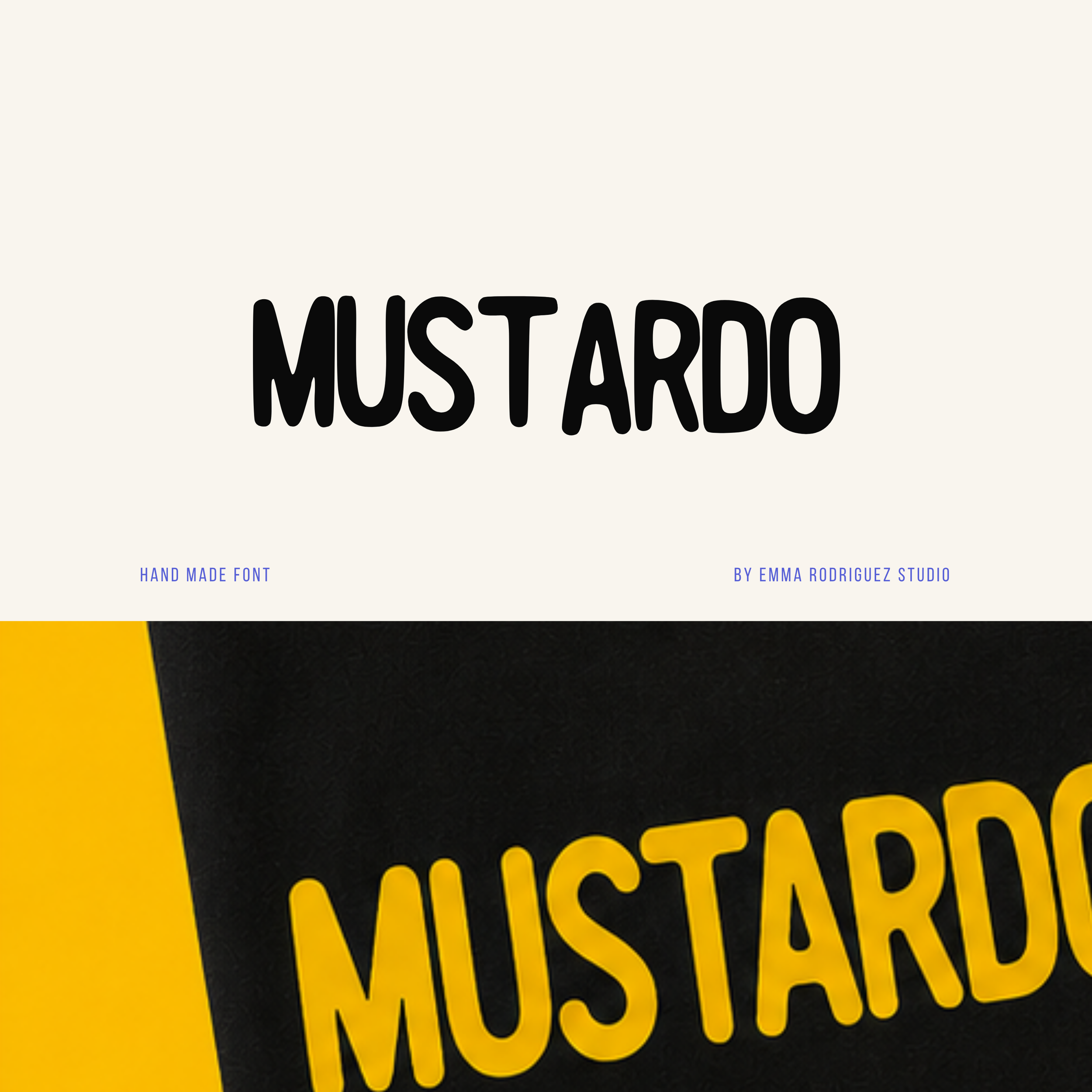
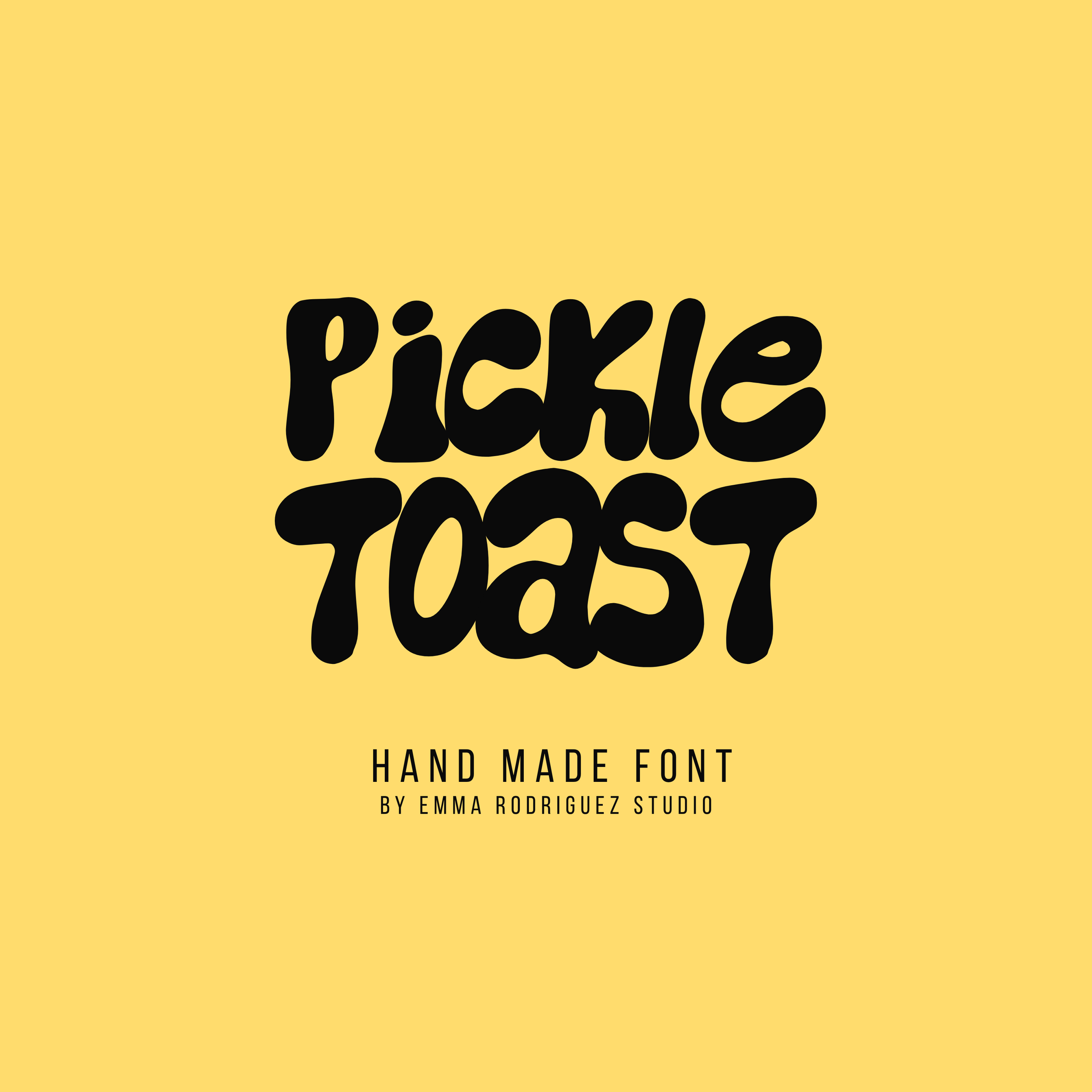
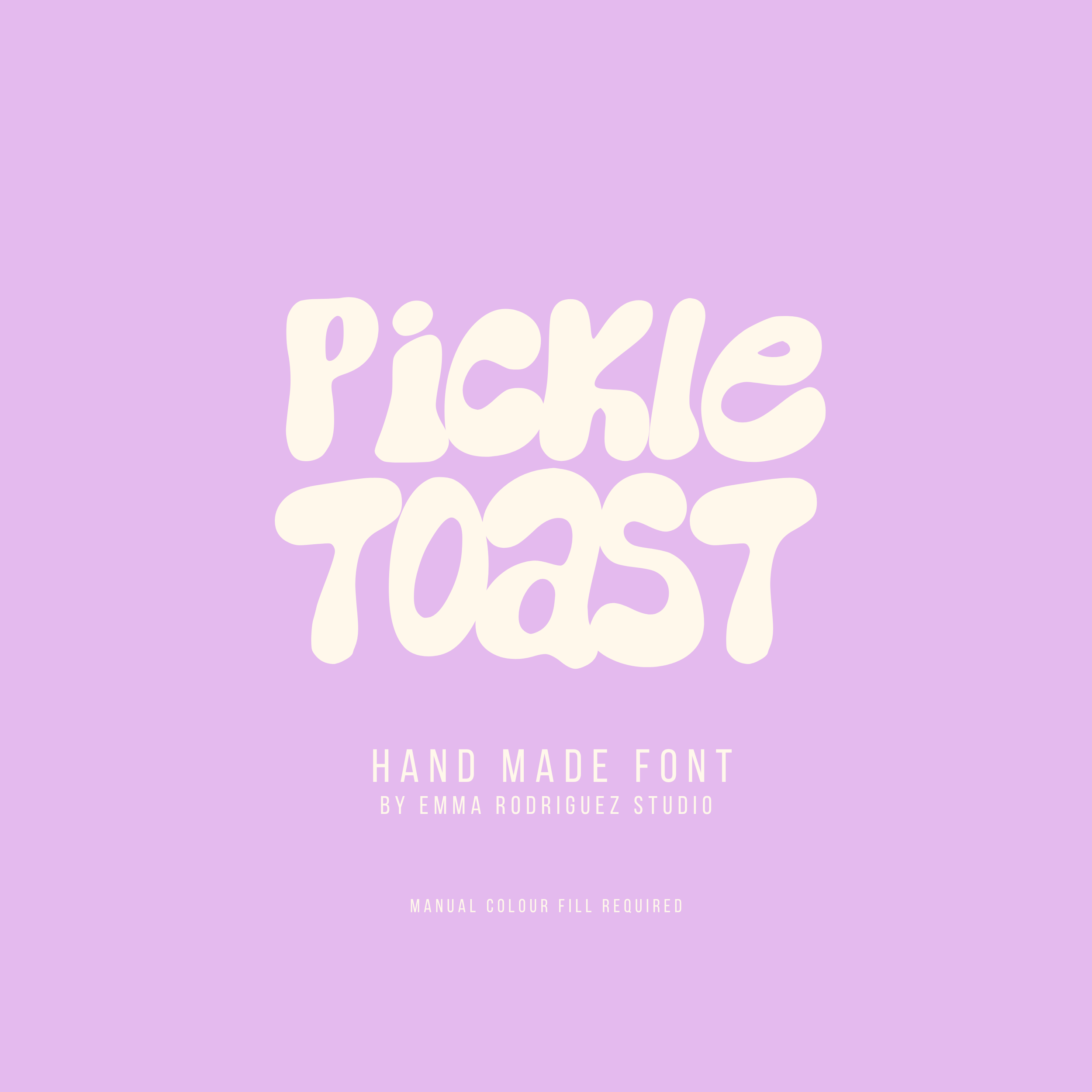
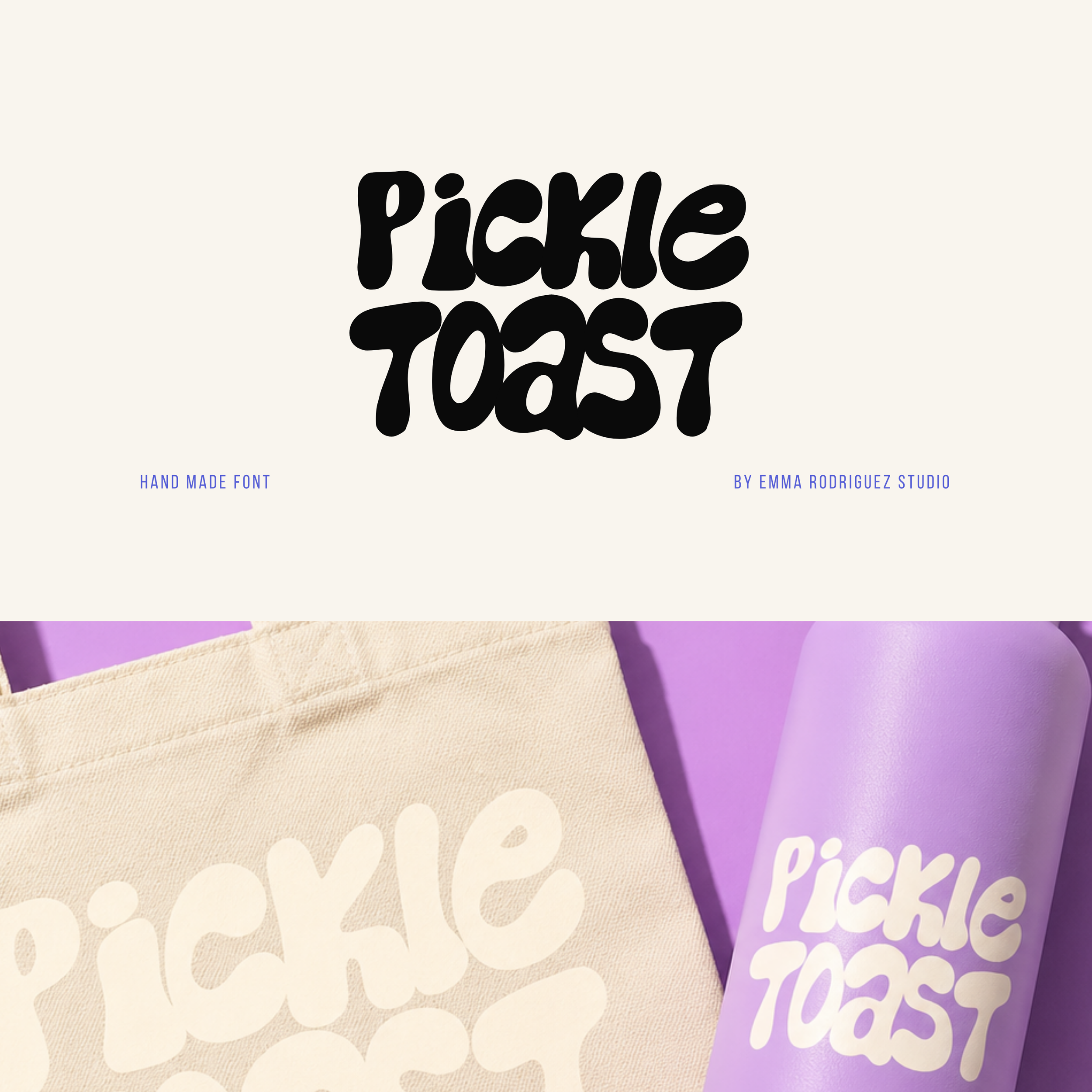
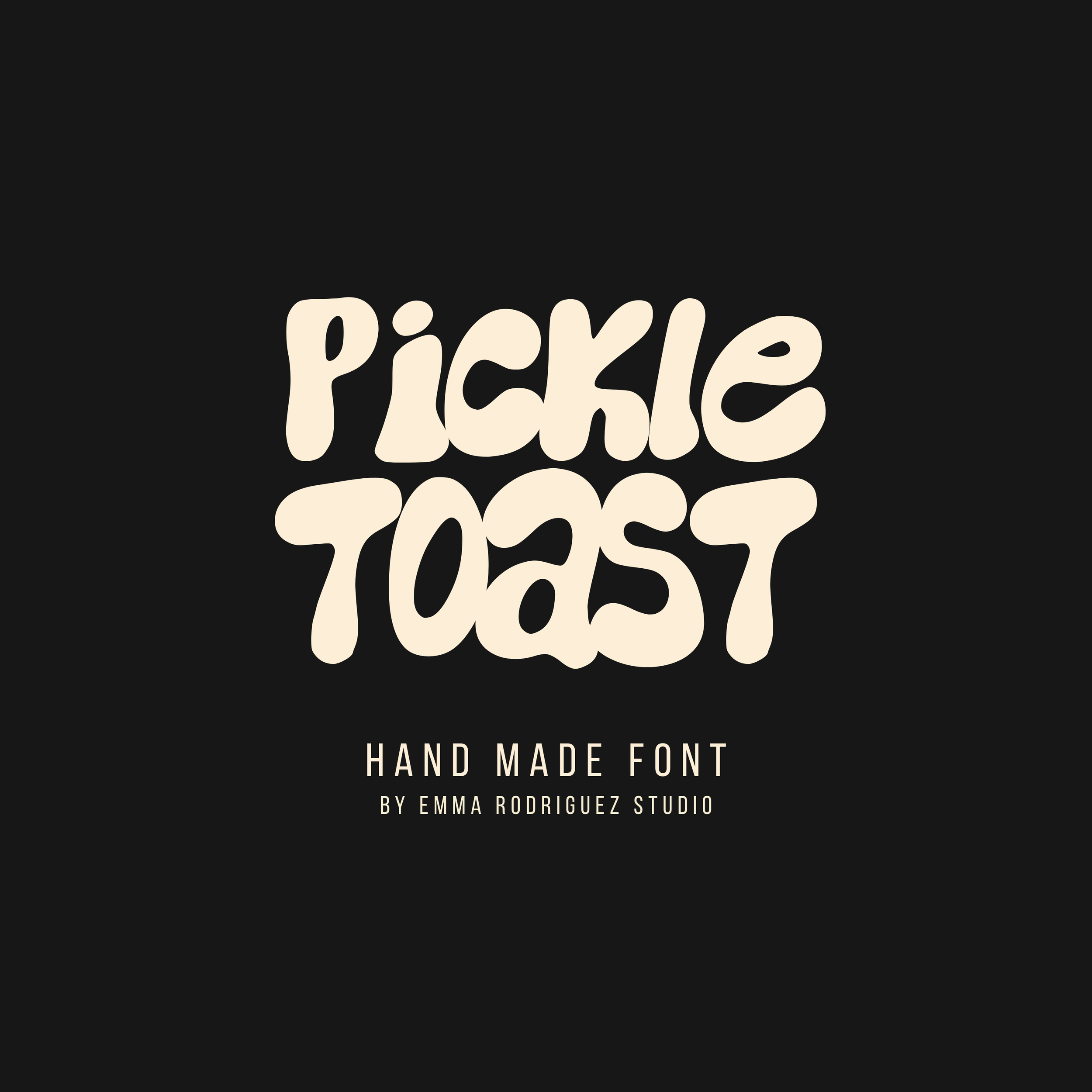
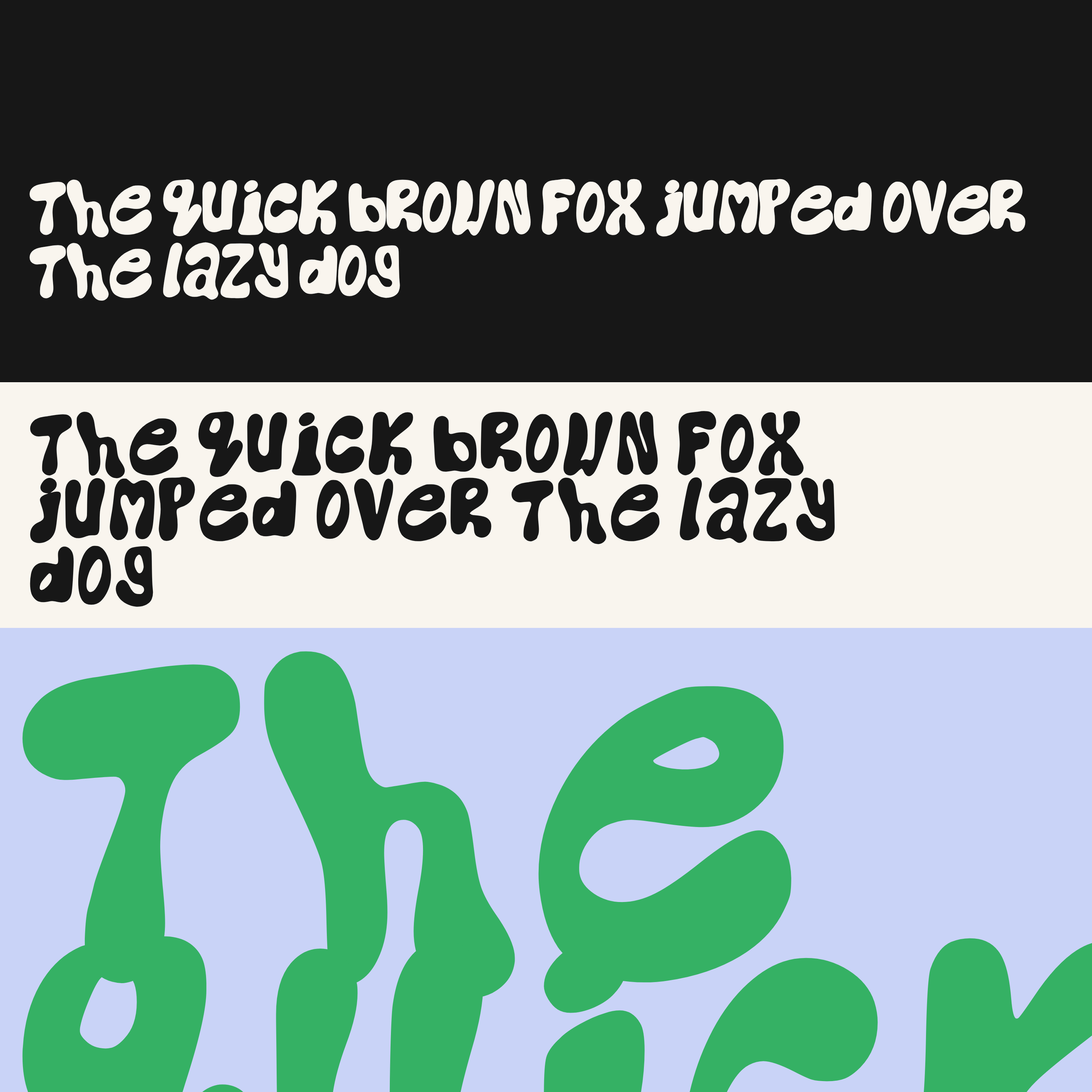
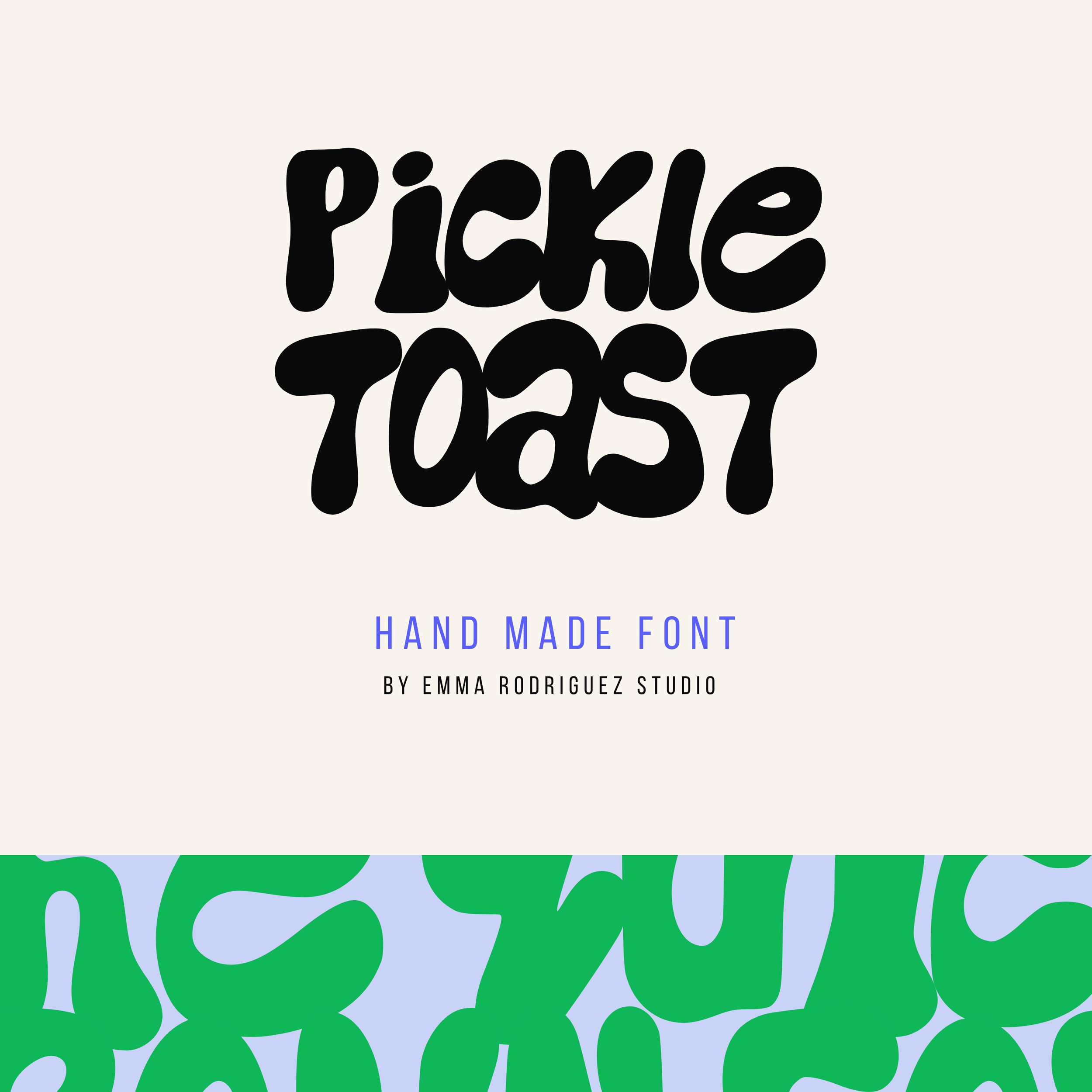
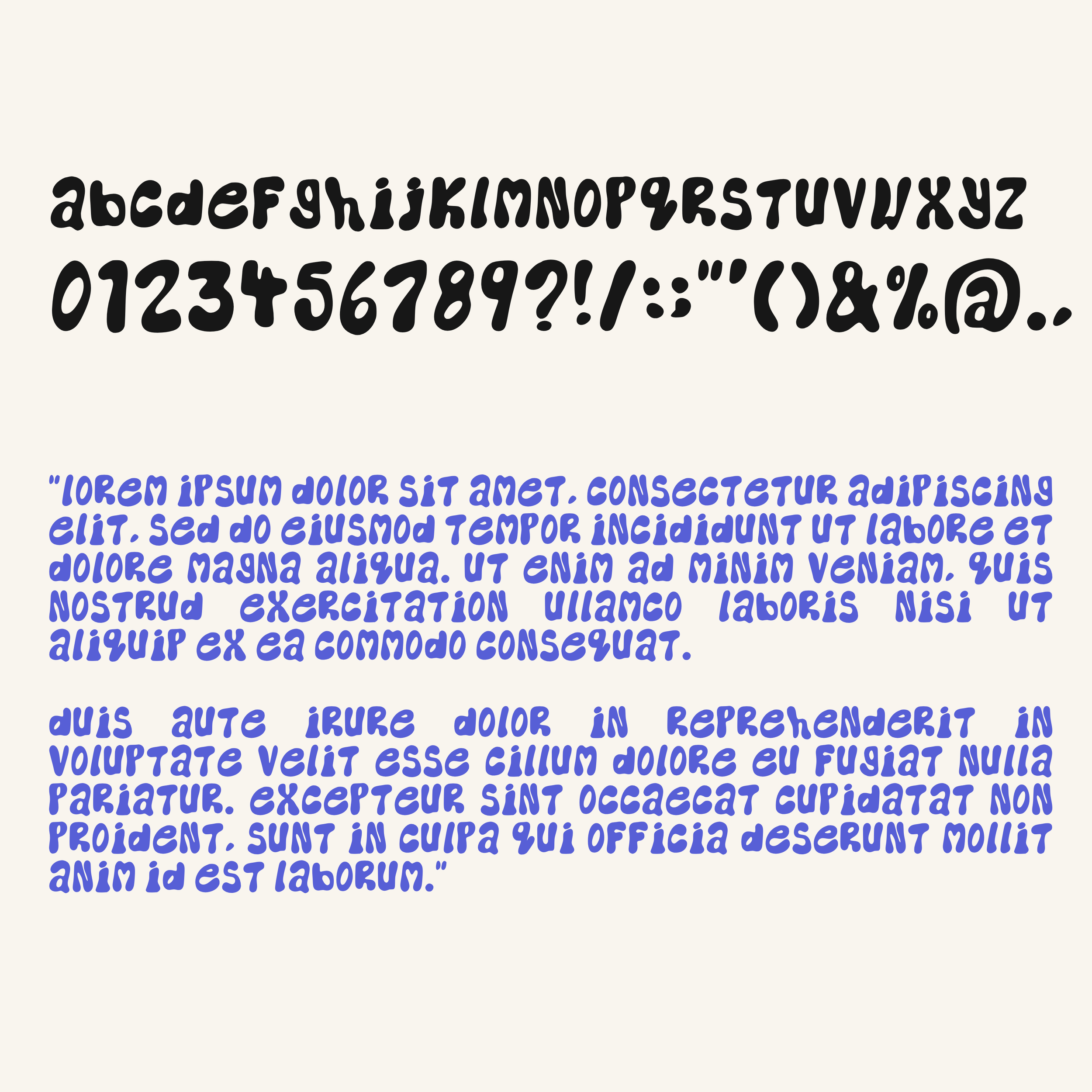
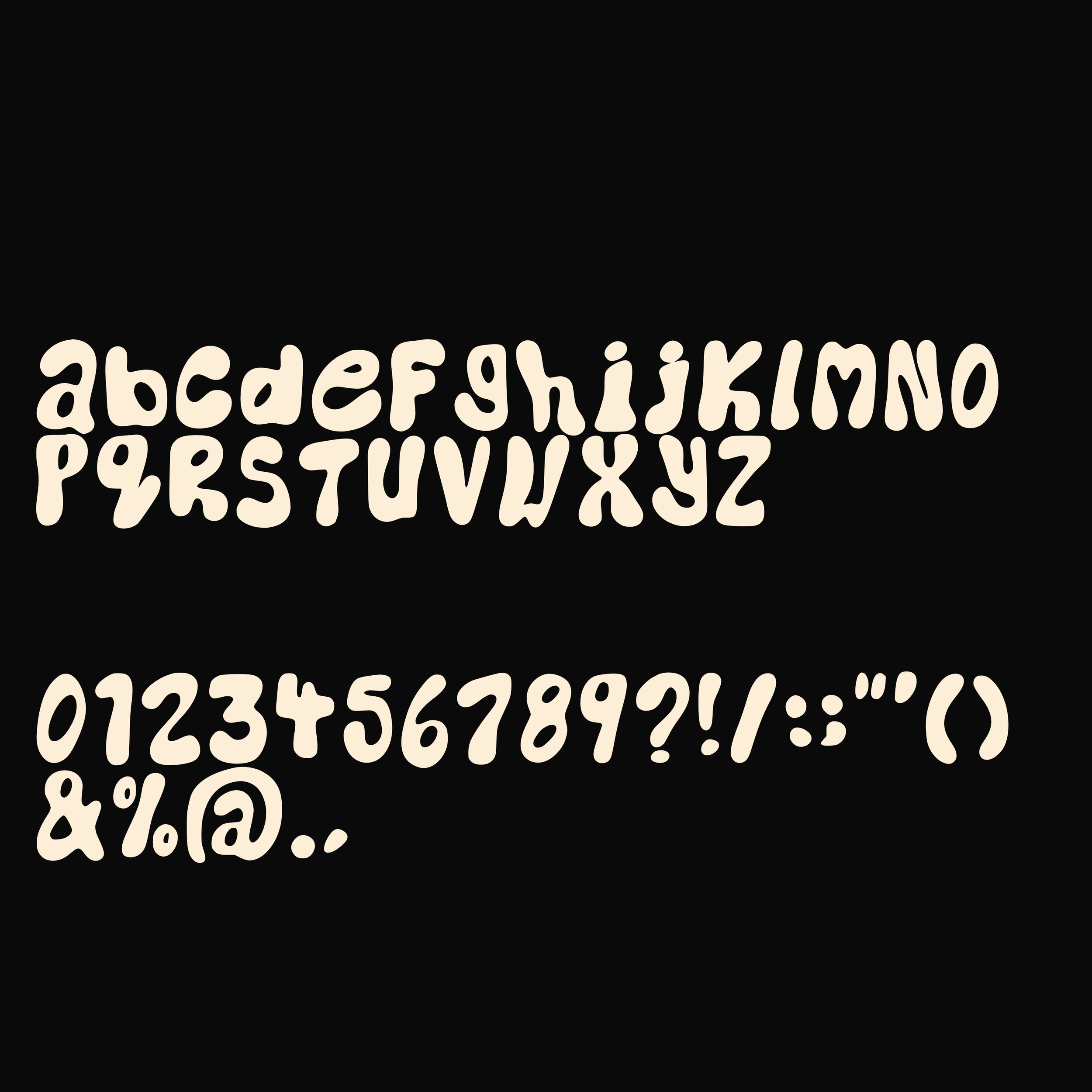
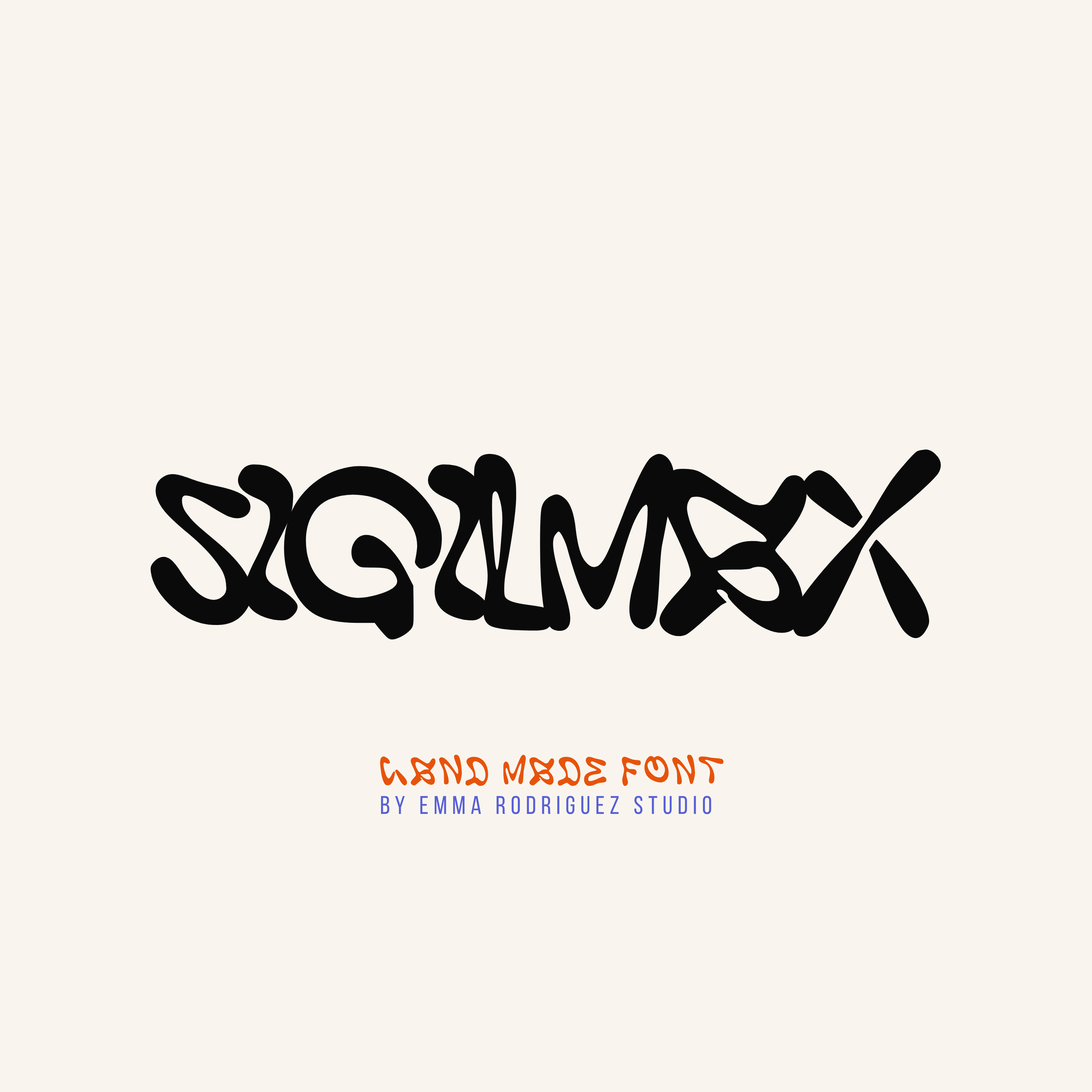
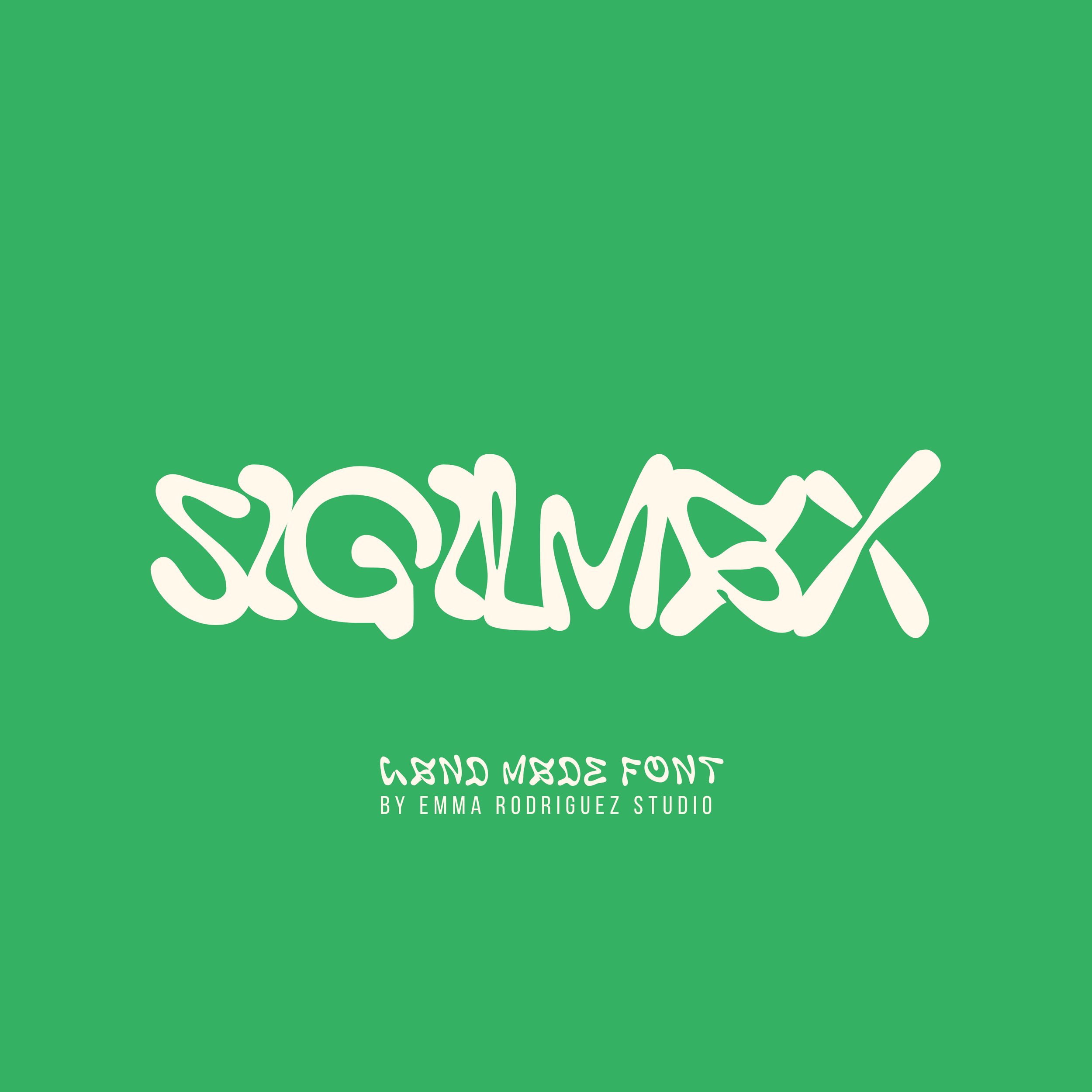
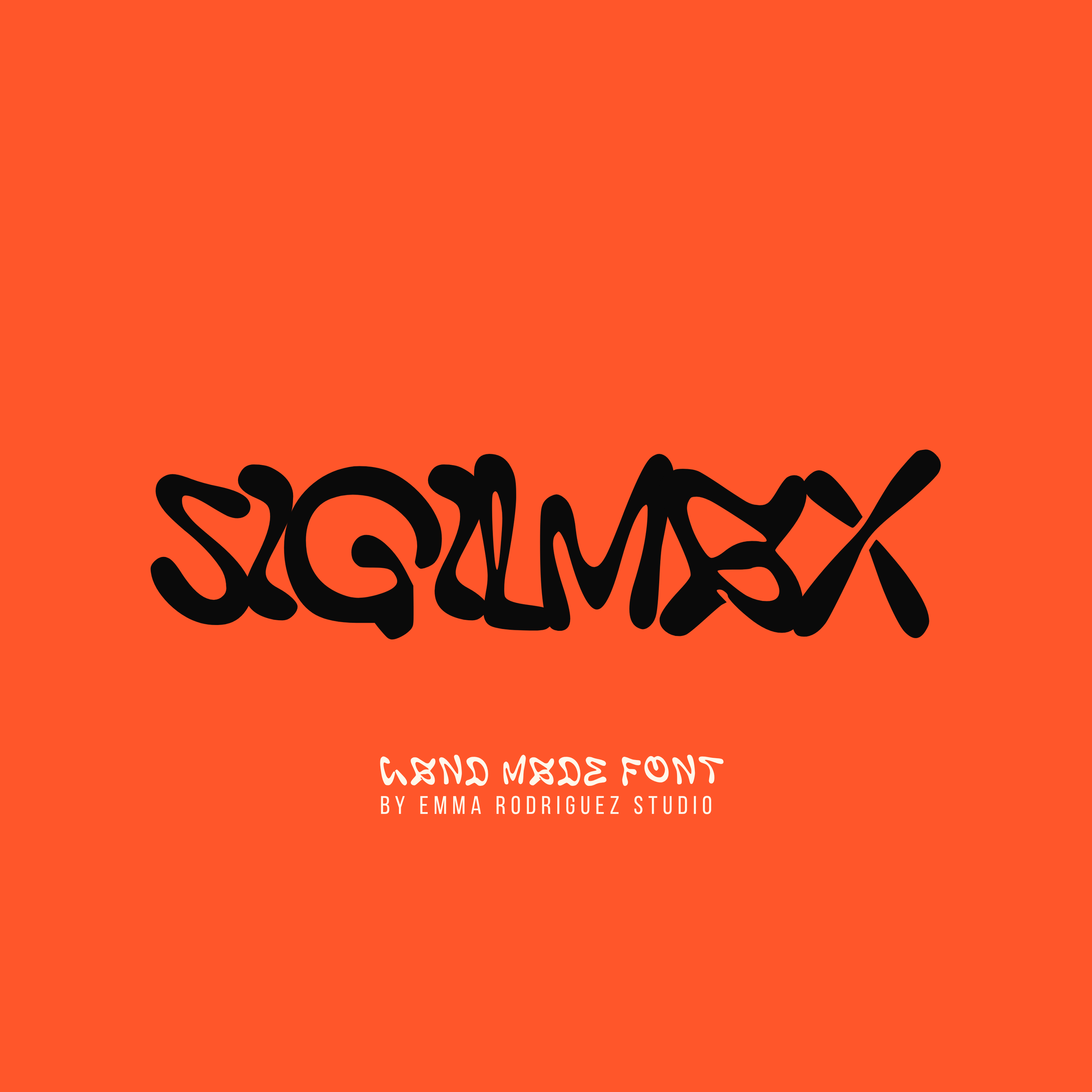
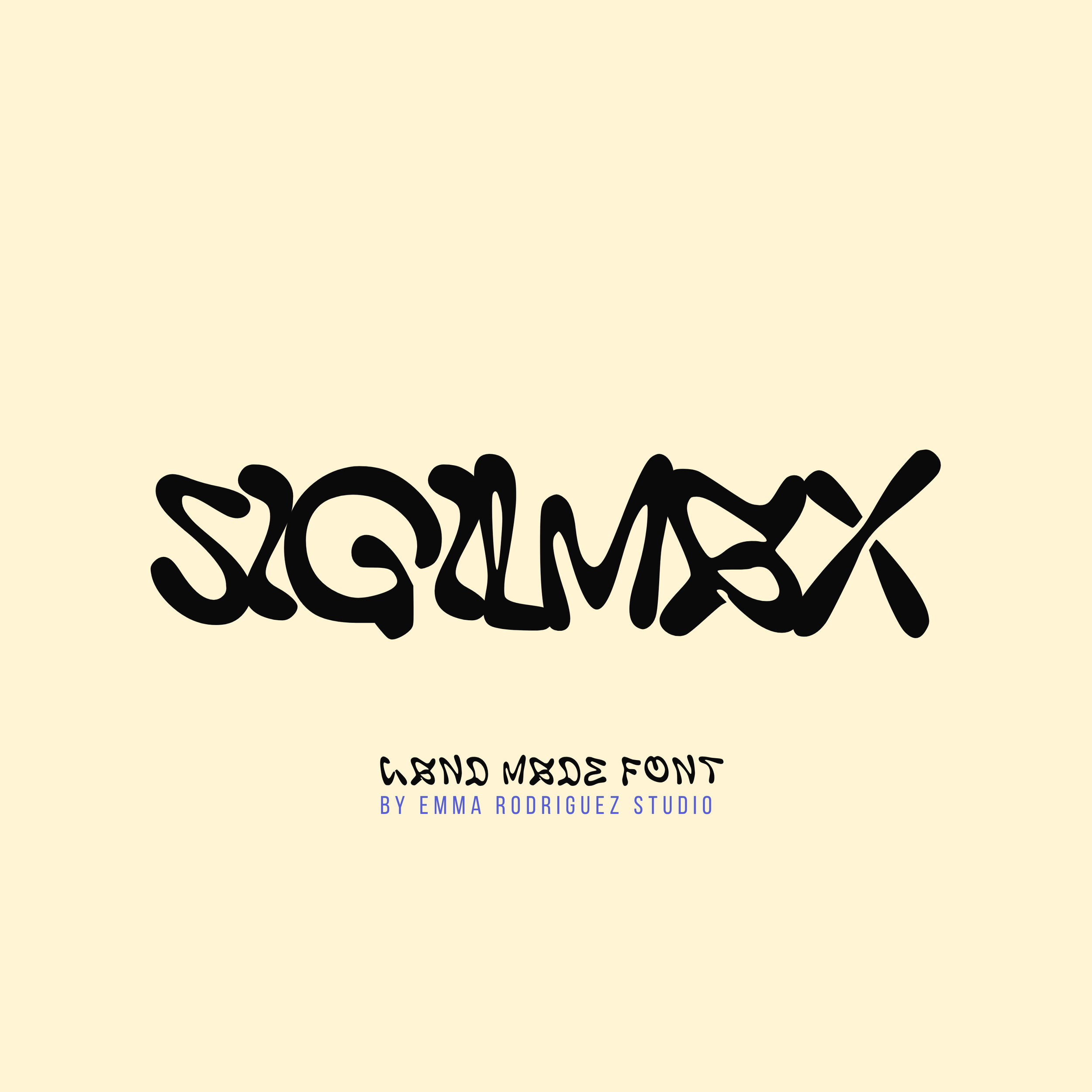
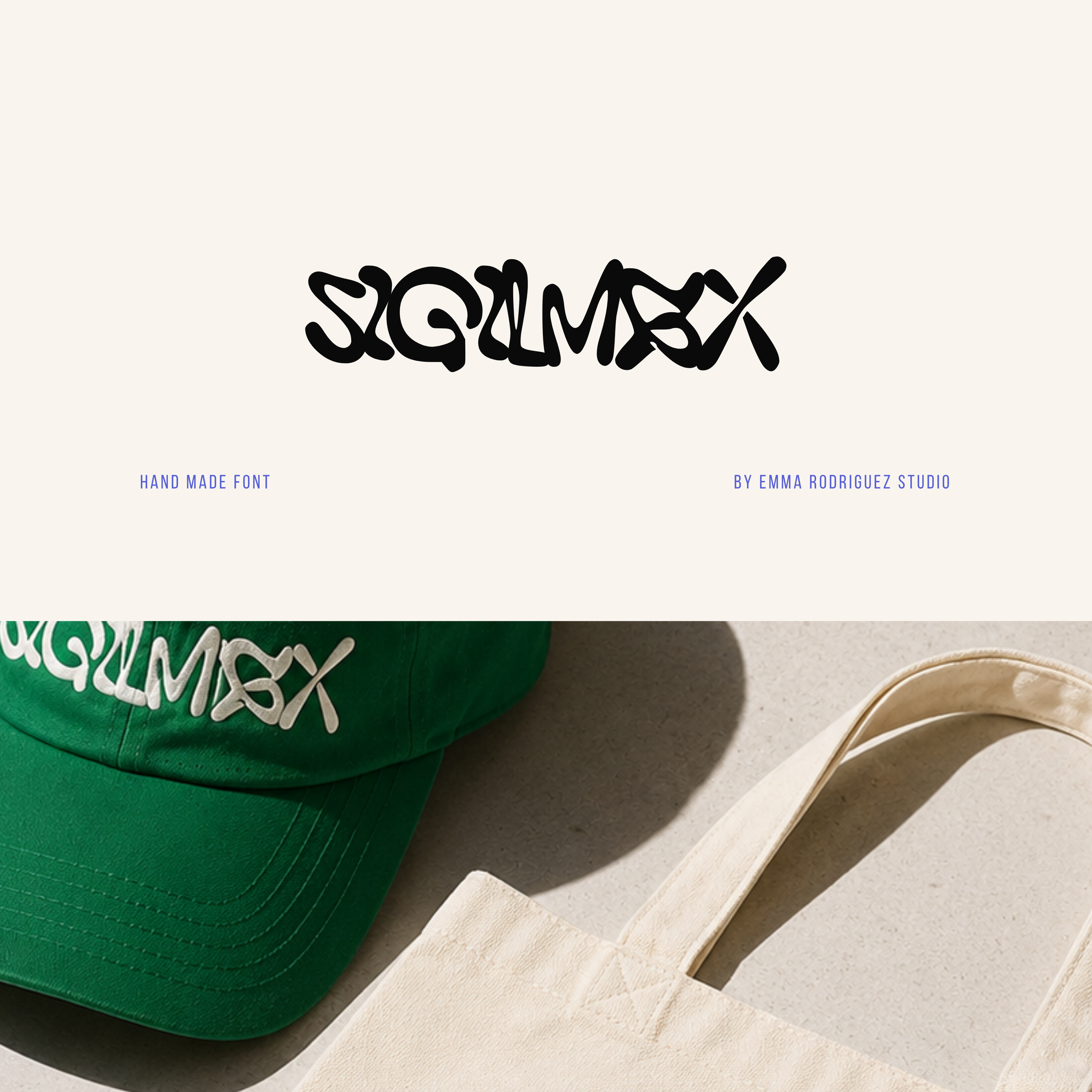
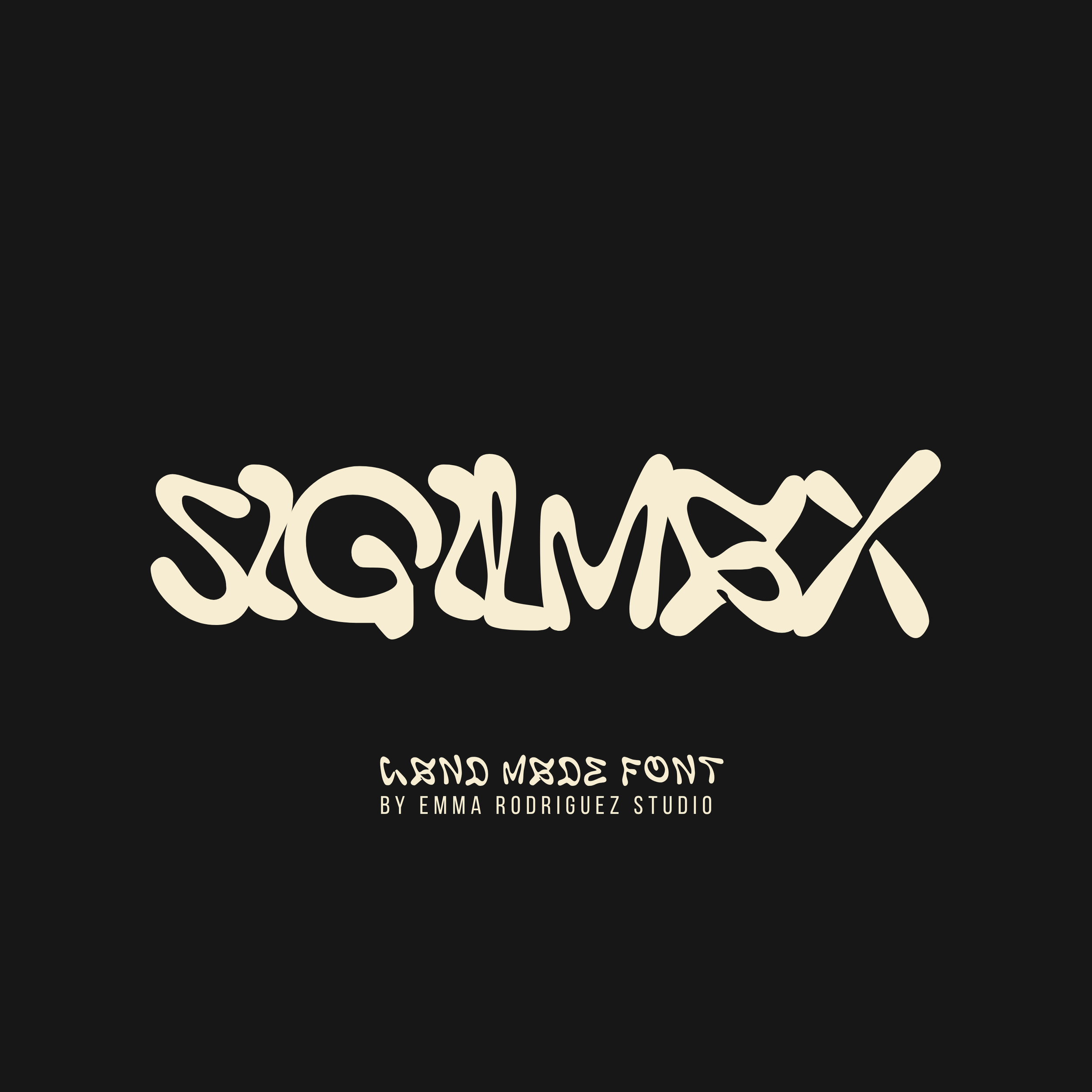
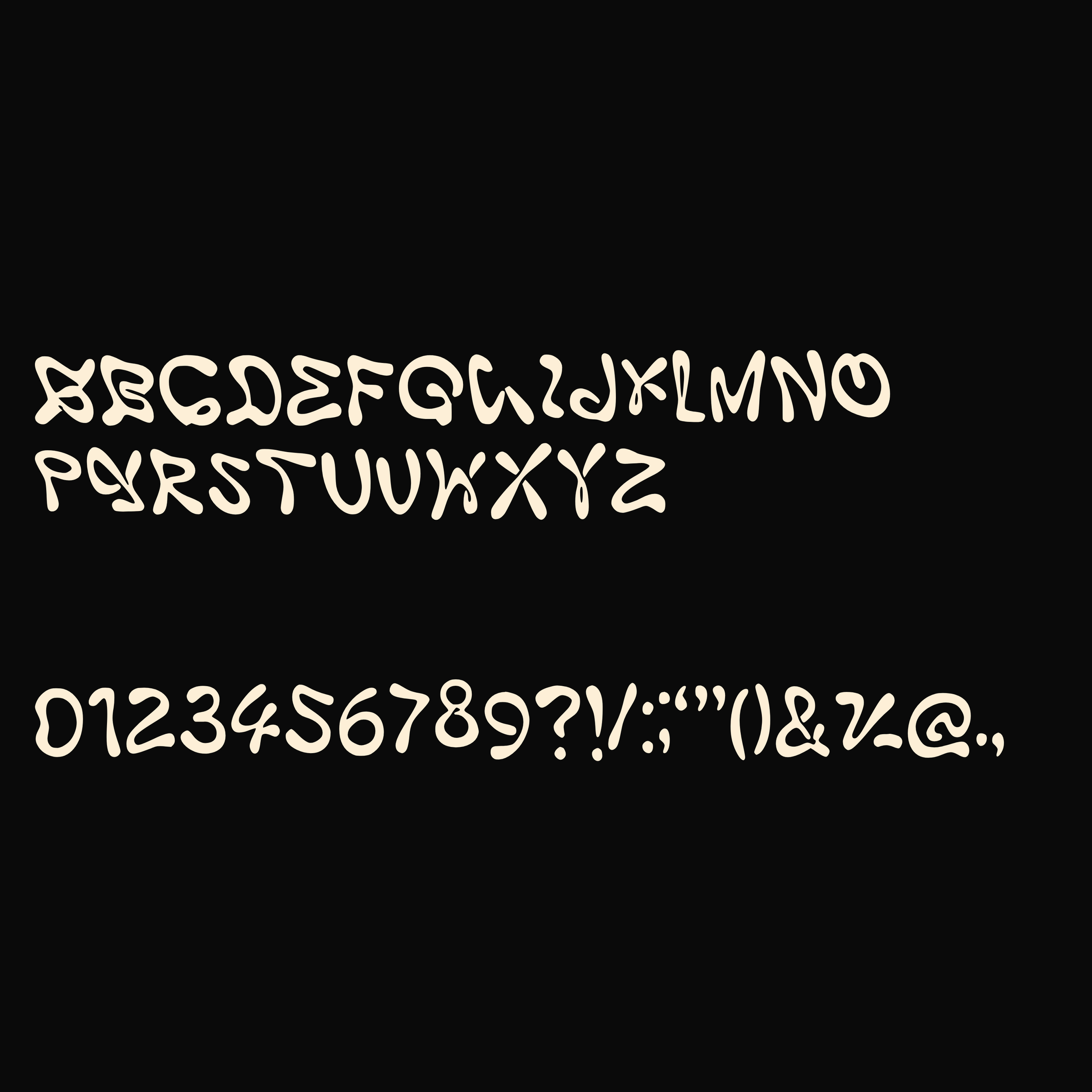
Meet Rough Scandal, a bold, distressed stamp style display font that leans into raw texture and imperfect ink coverage. It takes heavy block letterforms and breaks them up with worn edges, speckled gaps, and uneven ink texture, creating something that feels printed, pressed, and slightly chaotic in the best way.
Still strong. Still readable. Just rougher, grittier, and way less polished.
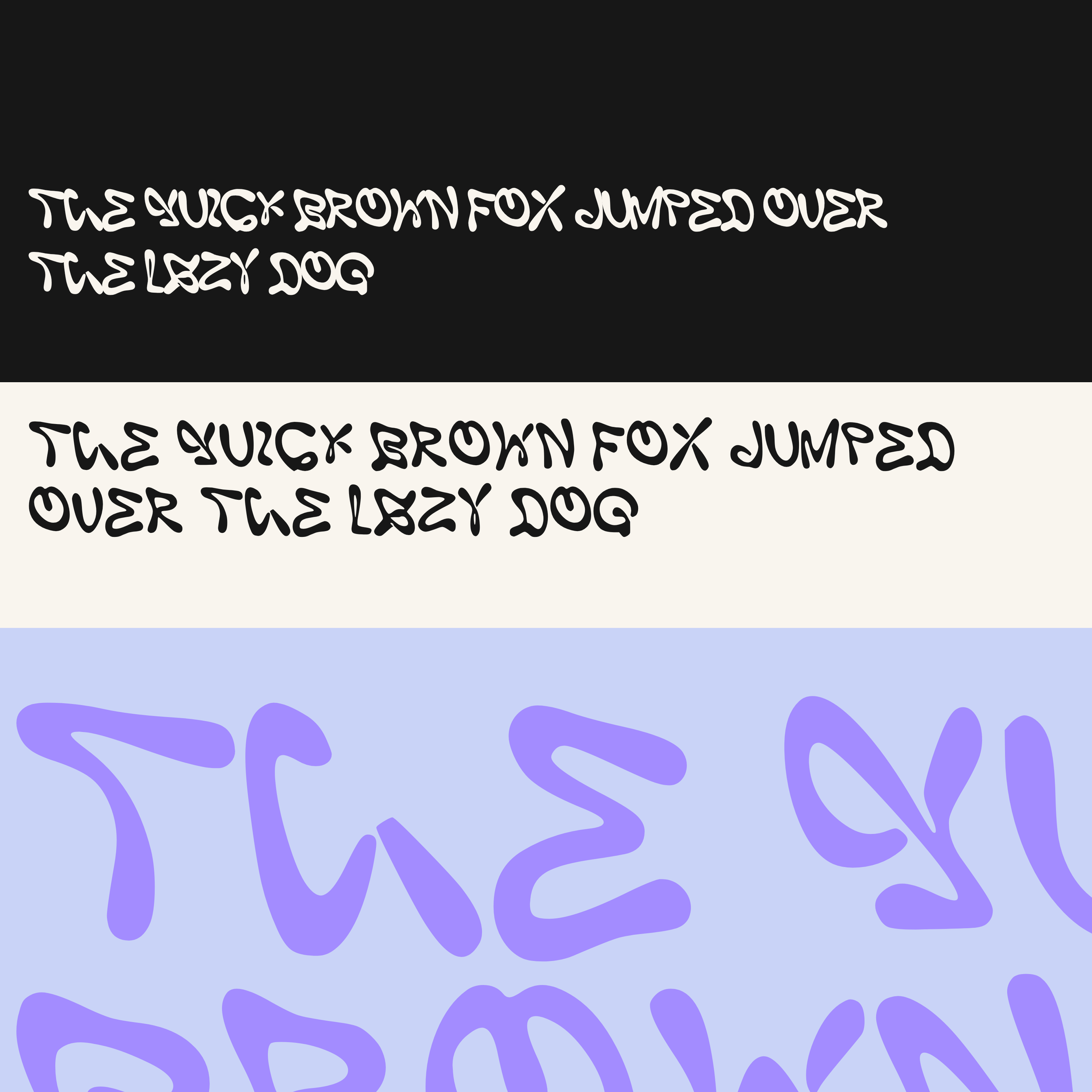
This typeface is built with thick forms and intentional distressing throughout, giving it that stamped ink look. The texture varies across each letter, creating a natural, imperfect rhythm that adds depth and personality to every word. Nothing is too clean on purpose. That inconsistency is what gives it its edge.
This font is designed to add impact and character to your work, with bold letterforms that stand out across branding, posters, packaging, and digital design. Ideal for designers, artists, and content creators looking for something more raw and expressive than standard typefaces.
What’s included:
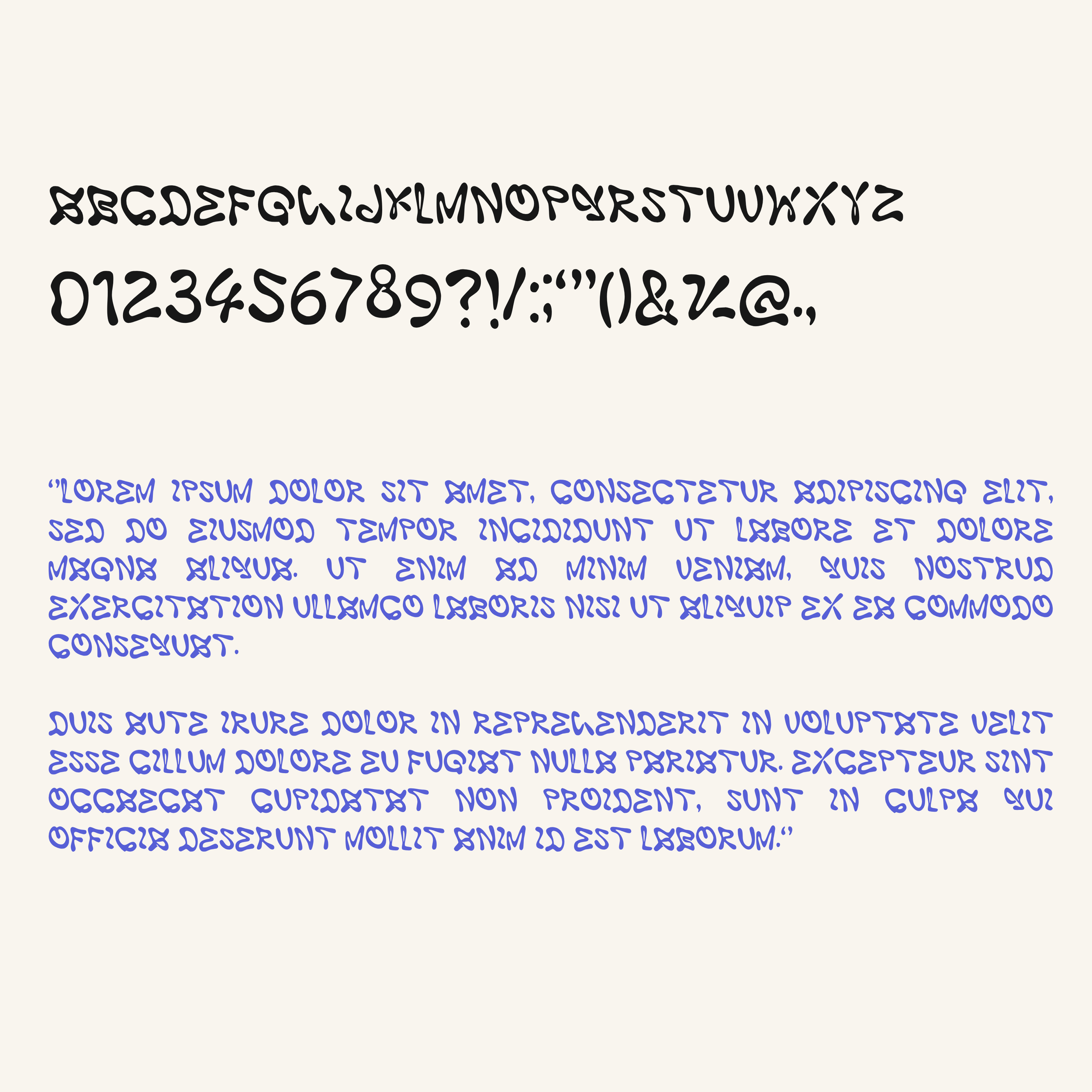
• Rough Scandal font in OTF and TTF
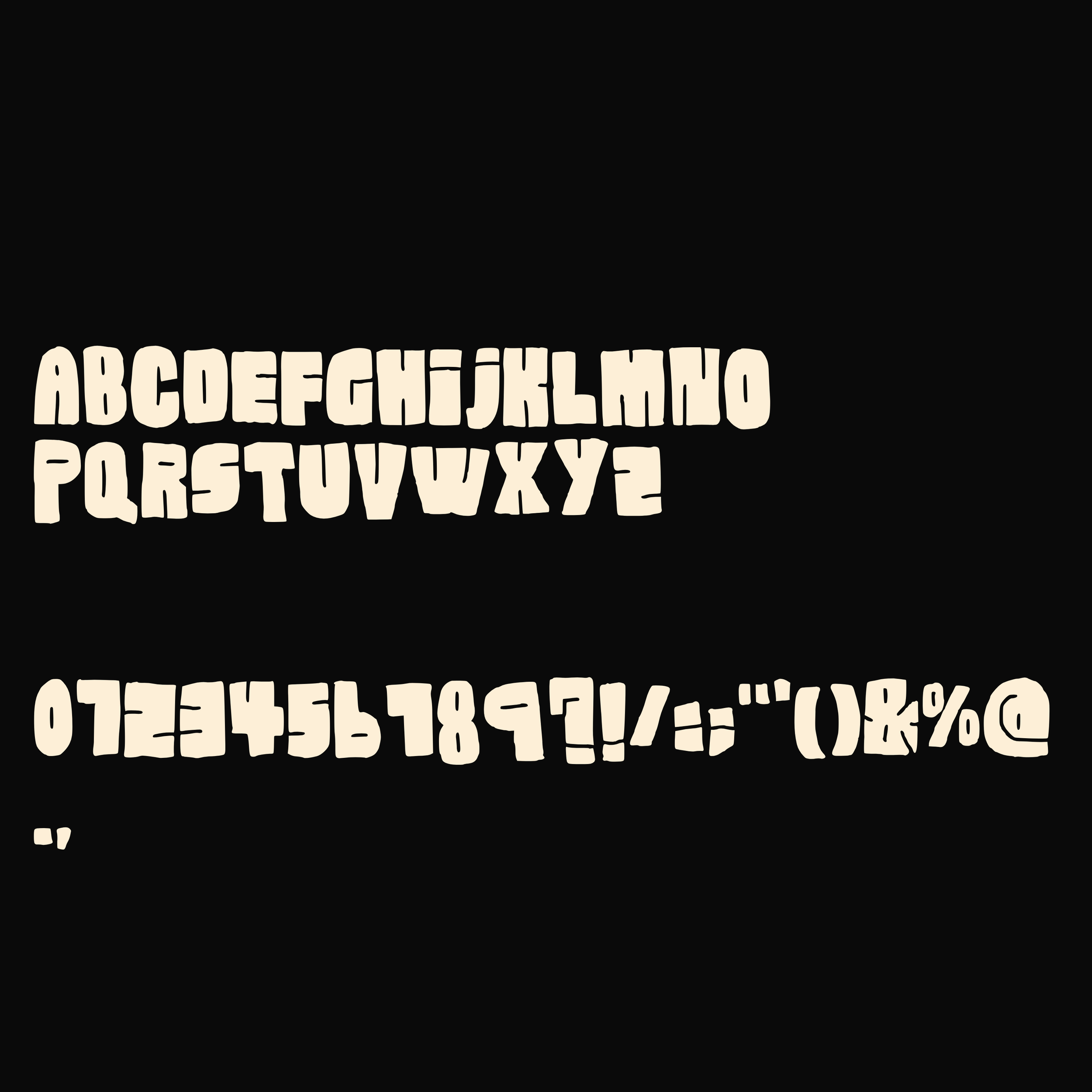
• Uppercase letters
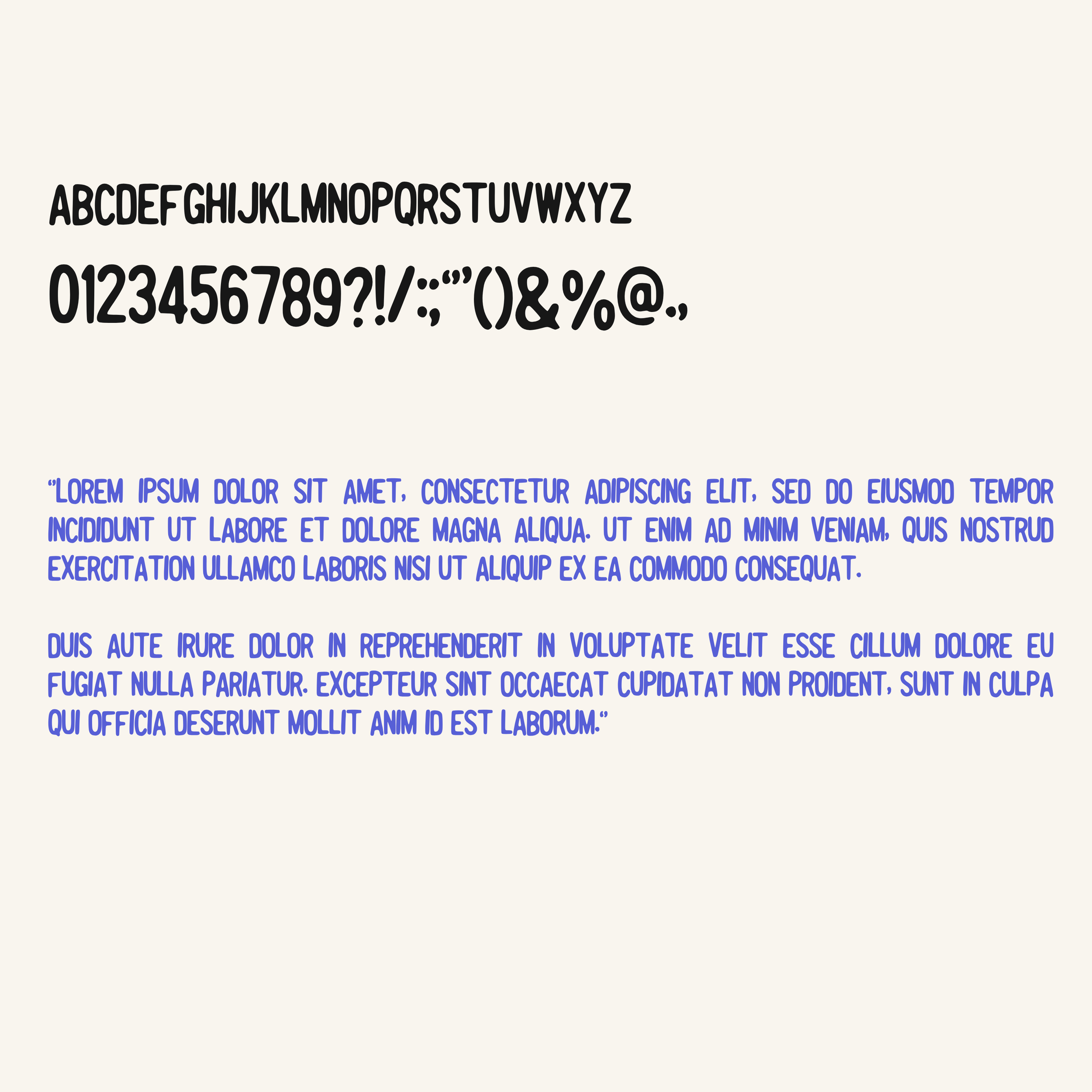
• Numbers and basic punctuation
• Digital download
Use it for:
• Edgy branding
• Music artwork
• Bold posters
• Zines
• Statement quotes
• Sticker designs
• Streetwear graphics
• Album covers
Want more fonts?
Pick Any 10 Fonts for £12 and create your own custom bundle from your favourite fonts in the shop.
Or browse the 50 Font Master Bundle for an even bigger collection and better value.
Important info:
Compatible with major design software including Adobe Photoshop, Illustrator, InDesign, Procreate and more. You can also upload with Canva Pro to use within your Canva projects.
Licensed for commercial and personal use. Webfont license is not included, but please do get in touch if this is something you need. Please do not resell or redistribute the font files.
Intentional quirks are part of the design. Irregular texture, ink gaps, and distressed edges are built in and form part of the overall style across fonts by Emma Rodriguez Studio. These details are not faults but a core feature of the font’s personality.
This is a digital download. Due to the nature of the font design, any colour filling or customisation may need to be done manually in Photoshop or other compatible design software. Canva does not support manual colour filling, so the font will only work in its original form within Canva.
Fancy saving yourself a lot of font hunting?
Get 50 fonts, including exclusive bundle only typefaces, in The Complete Master Font Bundle. Designed for branding, posters, packaging, merchandise, social media and creative projects of all kinds.
Meet Rough Scandal, a bold, distressed stamp style display font that leans into raw texture and imperfect ink coverage. It takes heavy block letterforms and breaks them up with worn edges, speckled gaps, and uneven ink texture, creating something that feels printed, pressed, and slightly chaotic in the best way.
Still strong. Still readable. Just rougher, grittier, and way less polished.
This typeface is built with thick forms and intentional distressing throughout, giving it that stamped ink look. The texture varies across each letter, creating a natural, imperfect rhythm that adds depth and personality to every word. Nothing is too clean on purpose. That inconsistency is what gives it its edge.
This font is designed to add impact and character to your work, with bold letterforms that stand out across branding, posters, packaging, and digital design. Ideal for designers, artists, and content creators looking for something more raw and expressive than standard typefaces.
What’s included:
• Rough Scandal font in OTF and TTF
• Uppercase letters
• Numbers and basic punctuation
• Digital download
Use it for:
• Edgy branding
• Music artwork
• Bold posters
• Zines
• Statement quotes
• Sticker designs
• Streetwear graphics
• Album covers
Want more fonts?
Pick Any 10 Fonts for £12 and create your own custom bundle from your favourite fonts in the shop.
Or browse the 50 Font Master Bundle for an even bigger collection and better value.
Important info:
Compatible with major design software including Adobe Photoshop, Illustrator, InDesign, Procreate and more. You can also upload with Canva Pro to use within your Canva projects.
Licensed for commercial and personal use. Webfont license is not included, but please do get in touch if this is something you need. Please do not resell or redistribute the font files.
Intentional quirks are part of the design. Irregular texture, ink gaps, and distressed edges are built in and form part of the overall style across fonts by Emma Rodriguez Studio. These details are not faults but a core feature of the font’s personality.
This is a digital download. Due to the nature of the font design, any colour filling or customisation may need to be done manually in Photoshop or other compatible design software. Canva does not support manual colour filling, so the font will only work in its original form within Canva.
Fancy saving yourself a lot of font hunting?
Get 50 fonts, including exclusive bundle only typefaces, in The Complete Master Font Bundle. Designed for branding, posters, packaging, merchandise, social media and creative projects of all kinds.

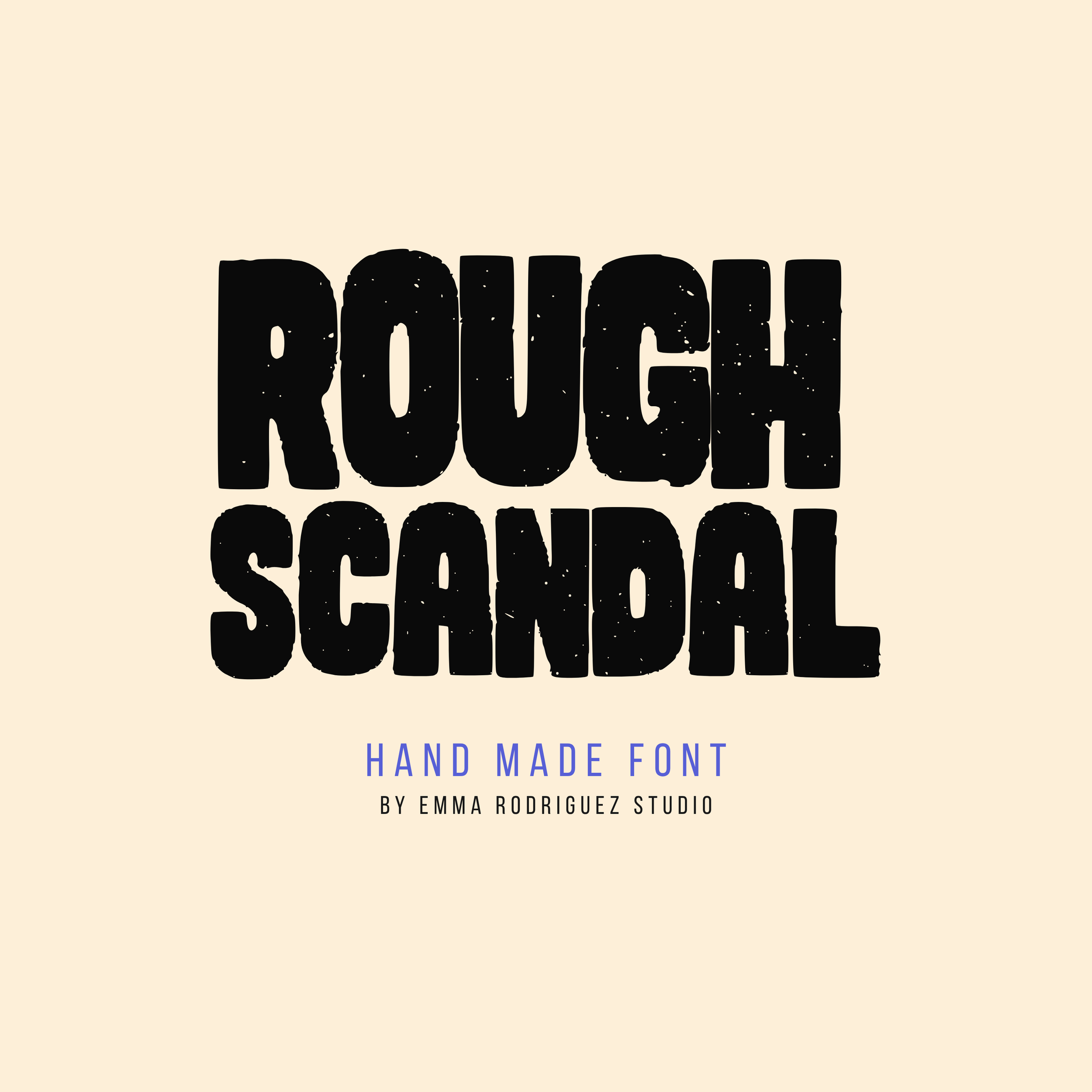 Image 1 of 7
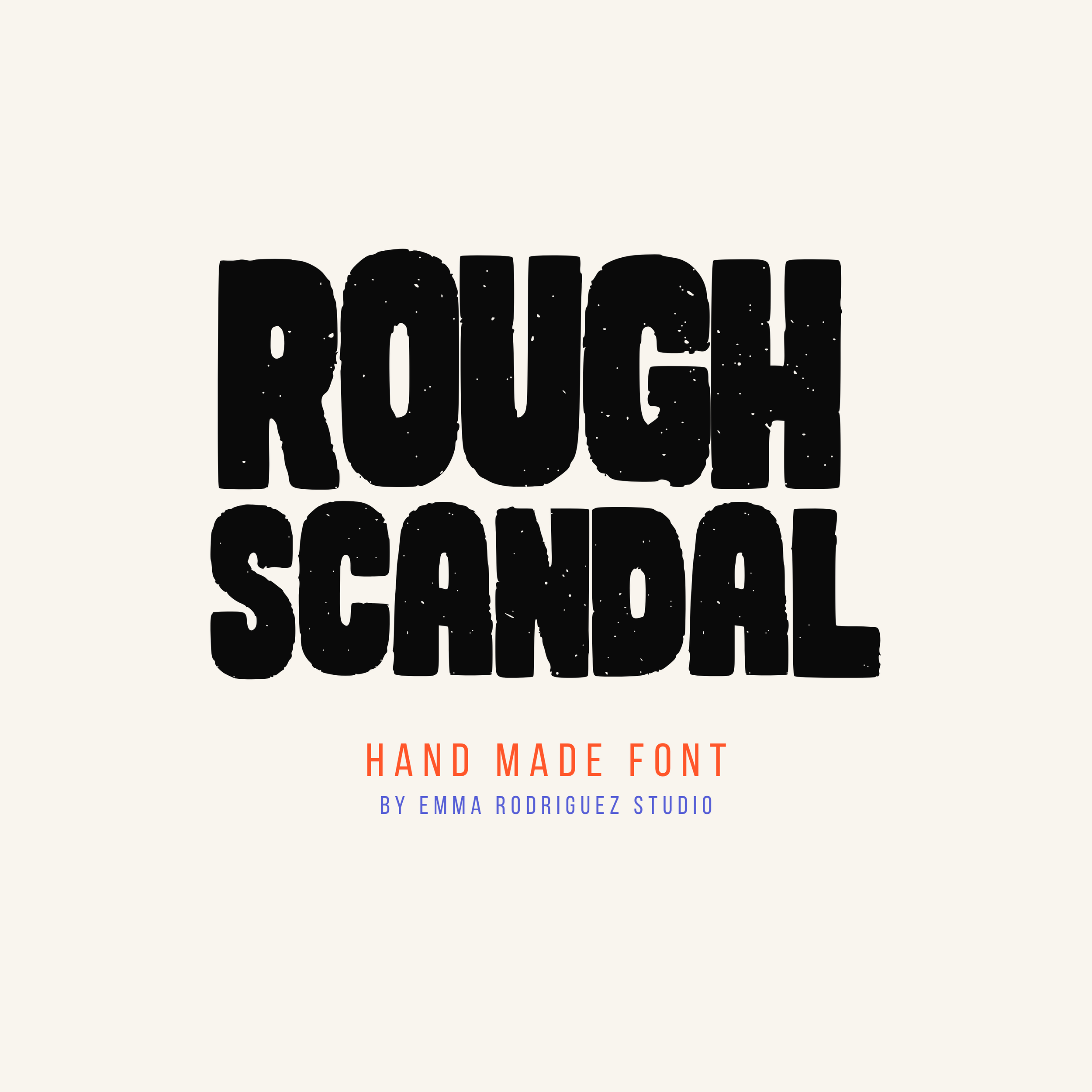 Image 2 of 7
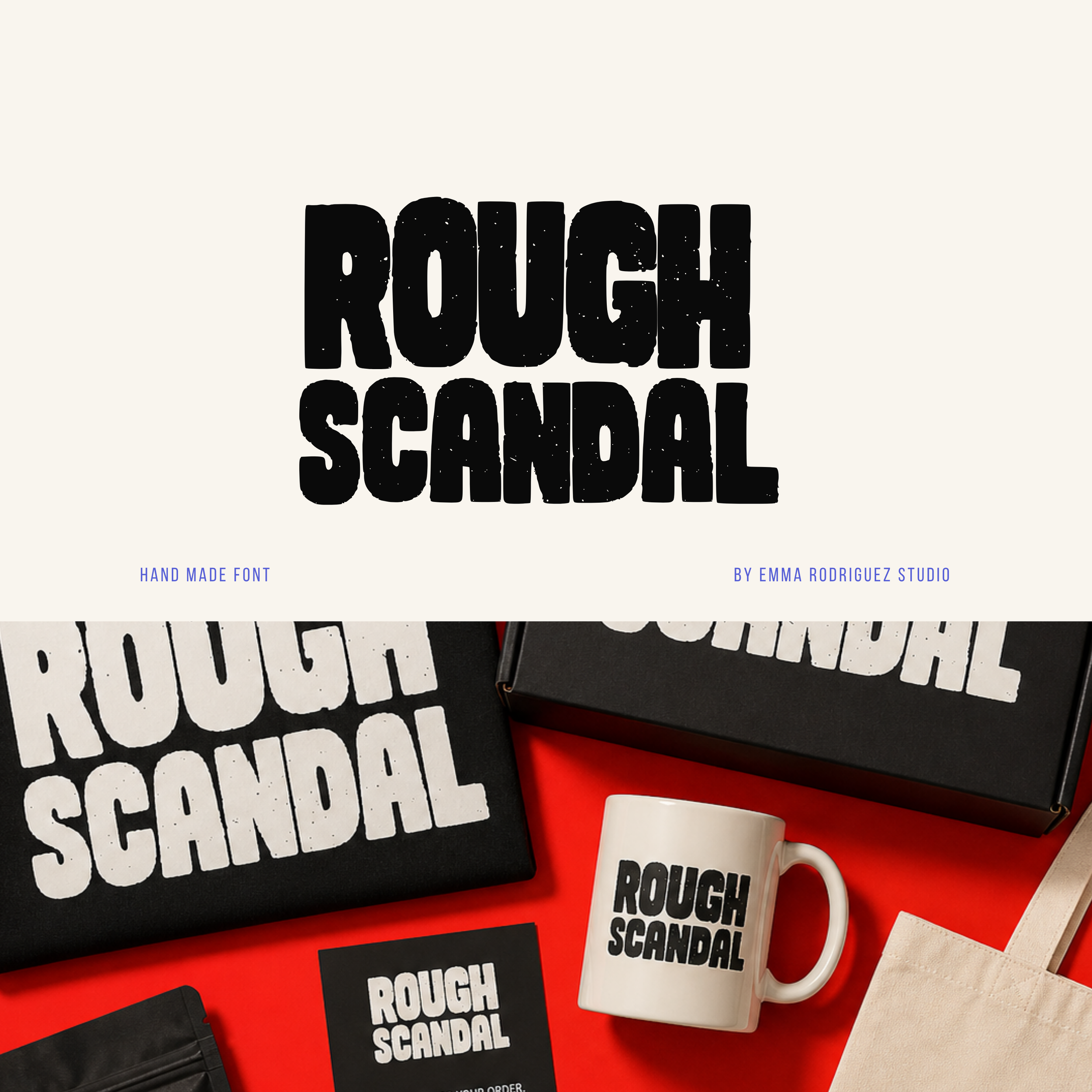 Image 3 of 7
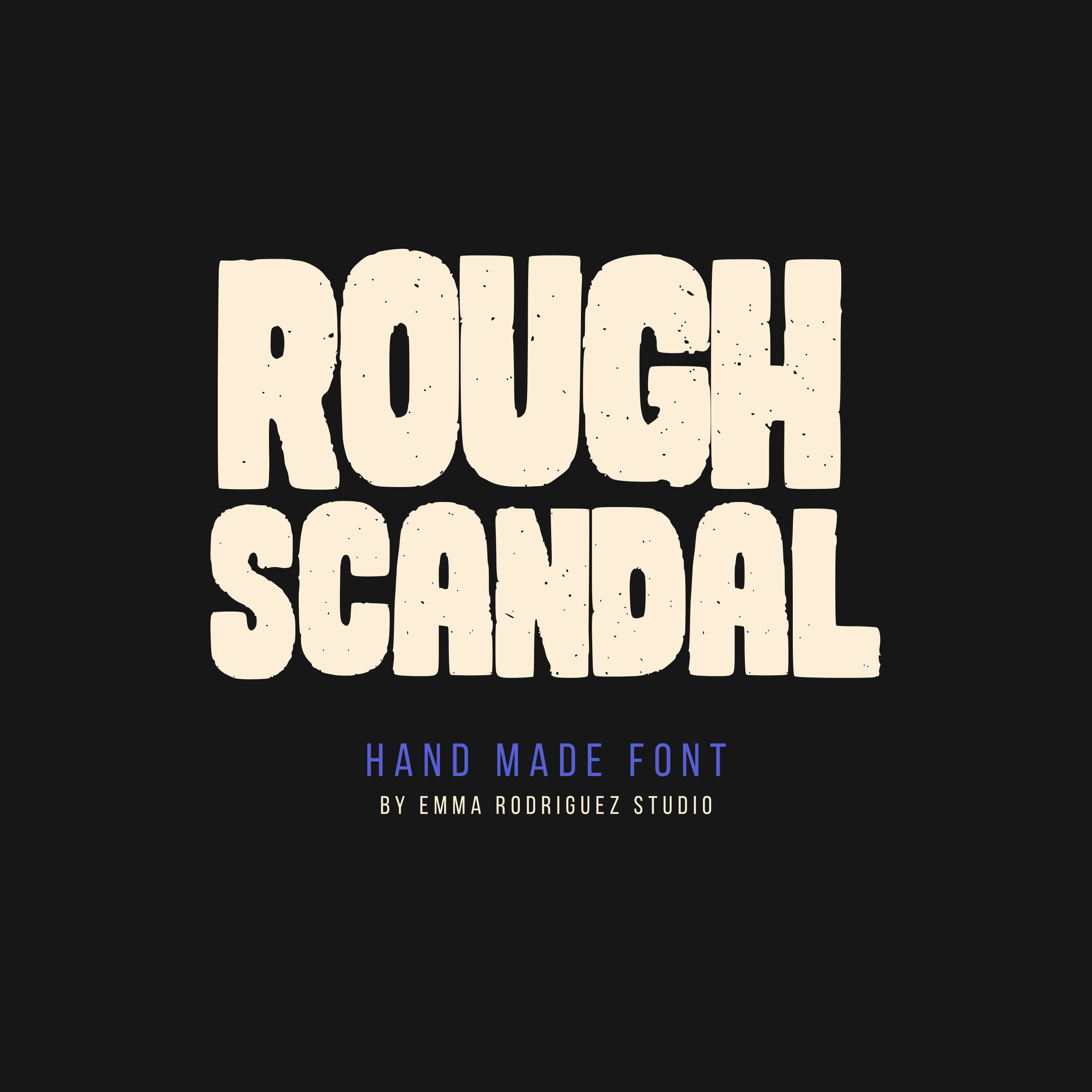 Image 4 of 7
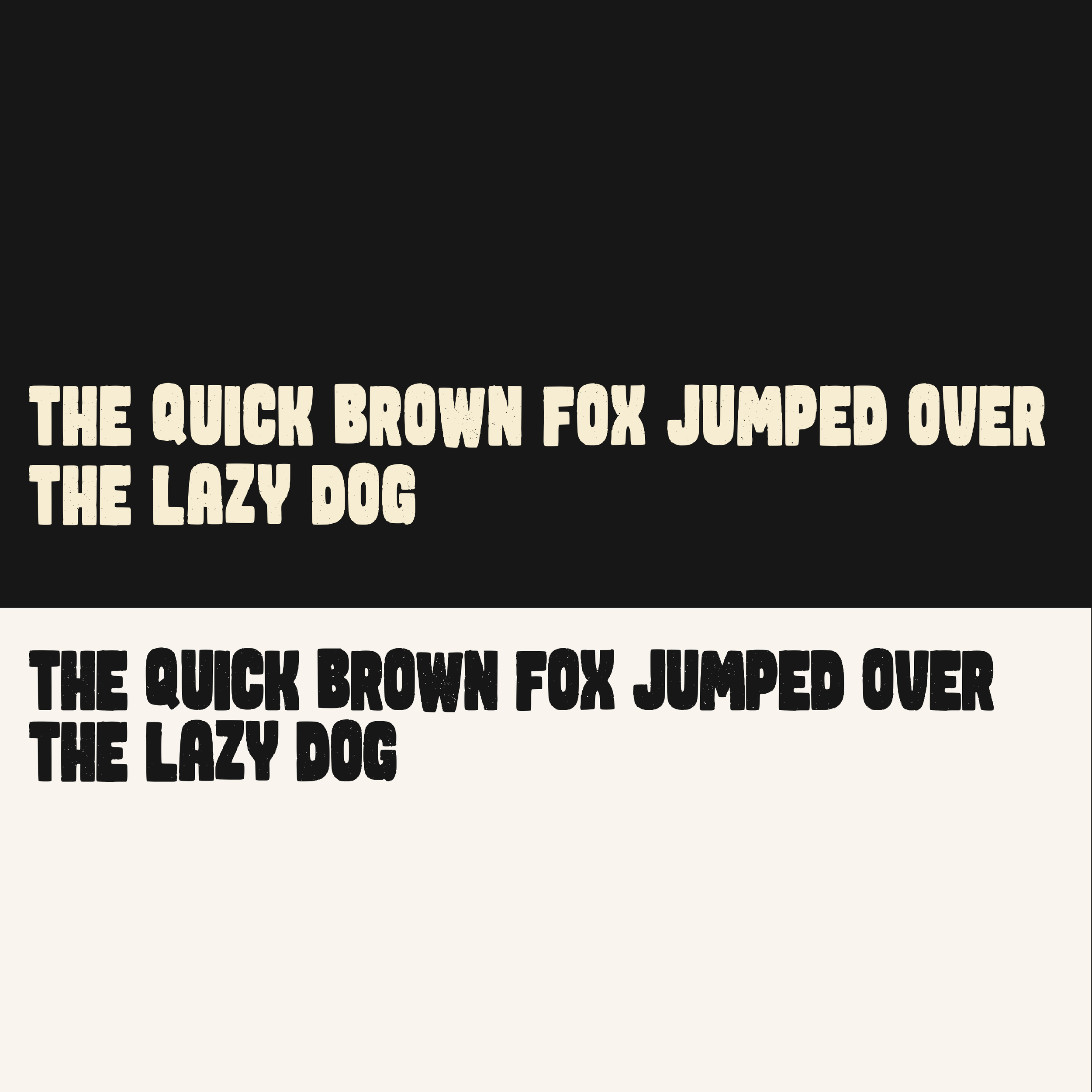 Image 5 of 7
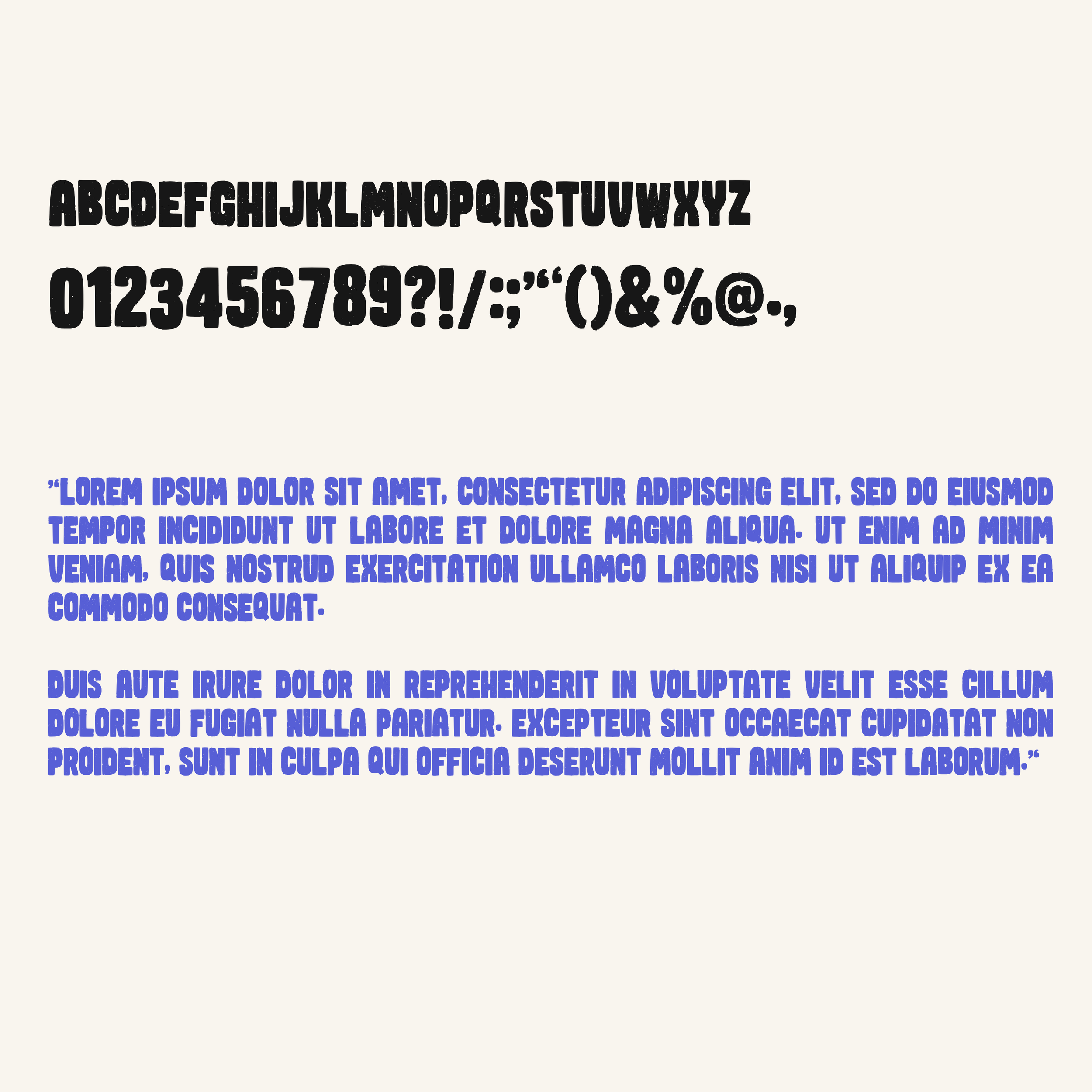 Image 6 of 7
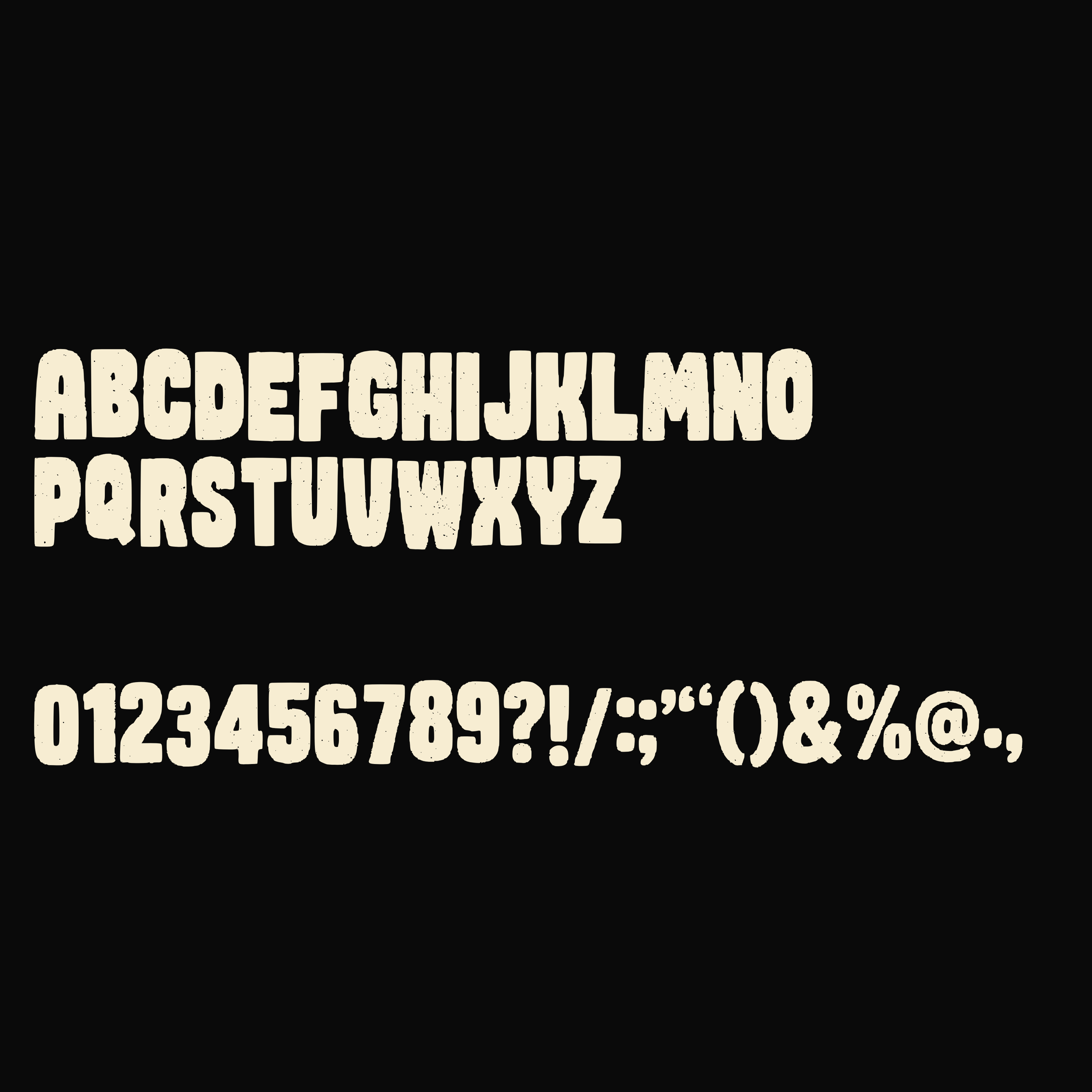 Image 7 of 7